From the creator of Easy Updates Manager and automatic upgrade core contributor comes UpdateBee.
A Fork of Easy Updates Manager and Companion Auto Update
UpdateBee is a re-imagining of what an automatic update plugin is. It features everything you’re already familiar with, but with a few added features and a lovely fresh coat of paint.
UpdateBee is the place to decide which WordPress updates may run on their own, when those checks happen, and how often and when you hear about the result. It uses the WordPress update system. It schedules and filters automatic updates for WordPress itself, plugins, themes, and translations.
What you can control
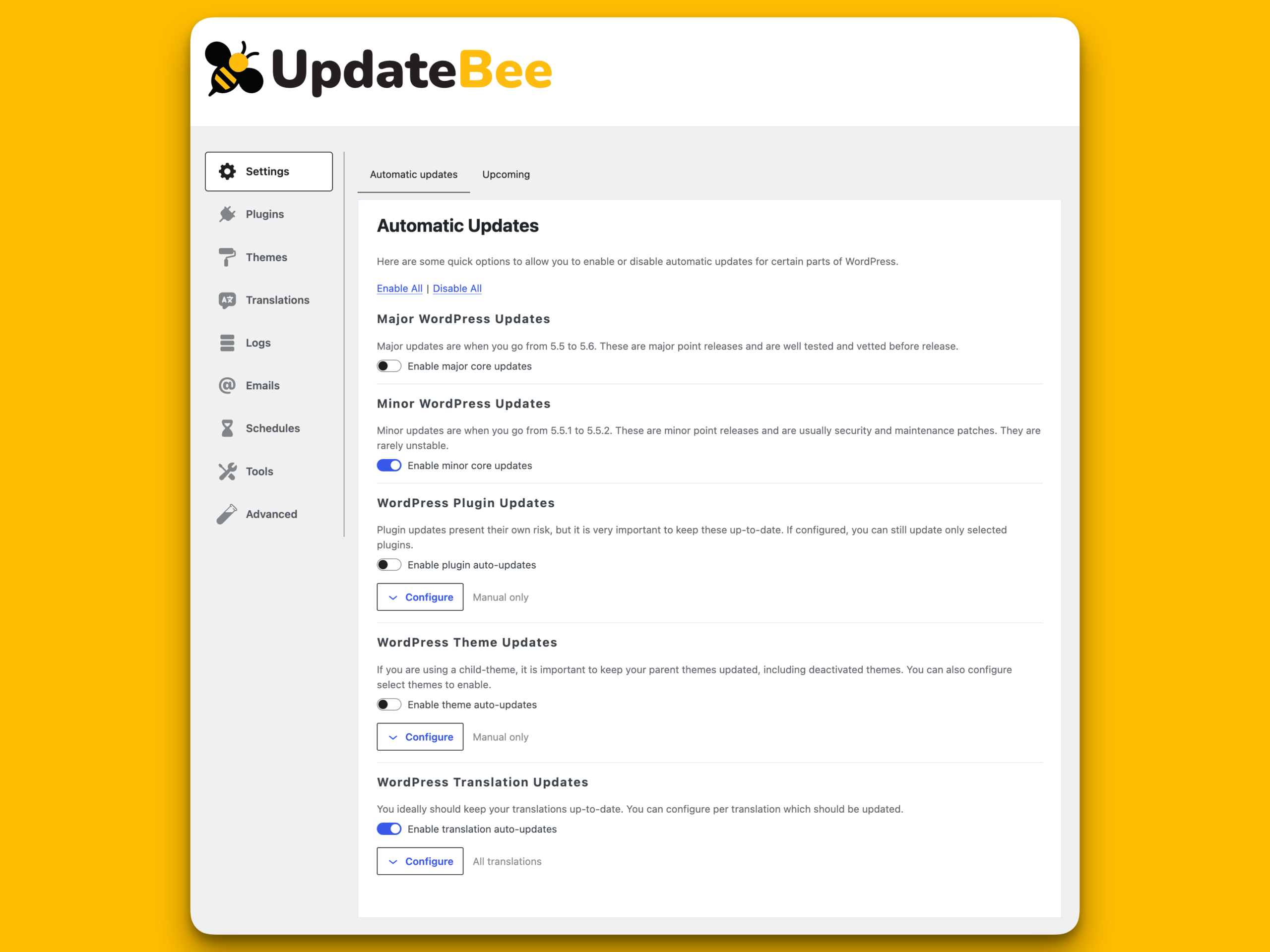
Settings Screen on a Fresh Install of UpdateBee
The Settings tab sets the broad policy (see Configuring Auto Updates): major and minor WordPress updates, and whether plugins, themes, and translations update automatically, only when you choose them, or not at all. The other UpdateBee admin tabs handle the exceptions, and provide rich tools and further advanced customizations.
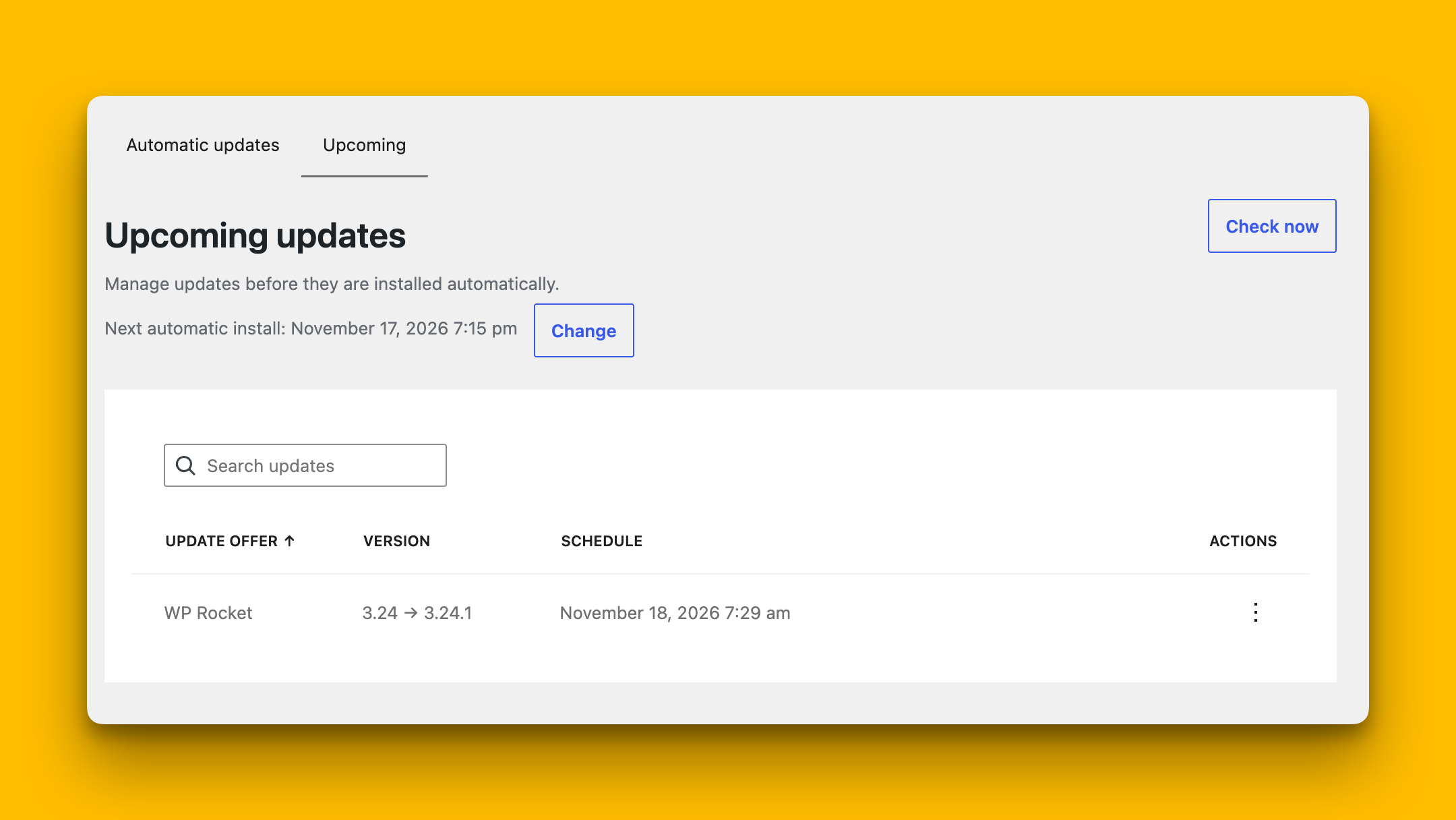
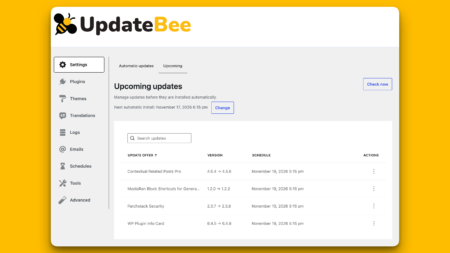
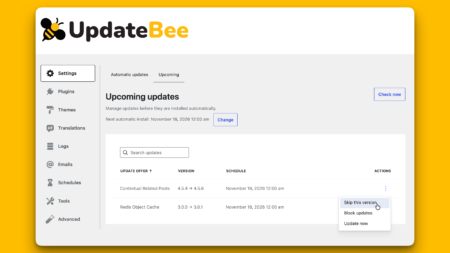
Upcoming Updates Screen Shows What’s in the Queue for Updates
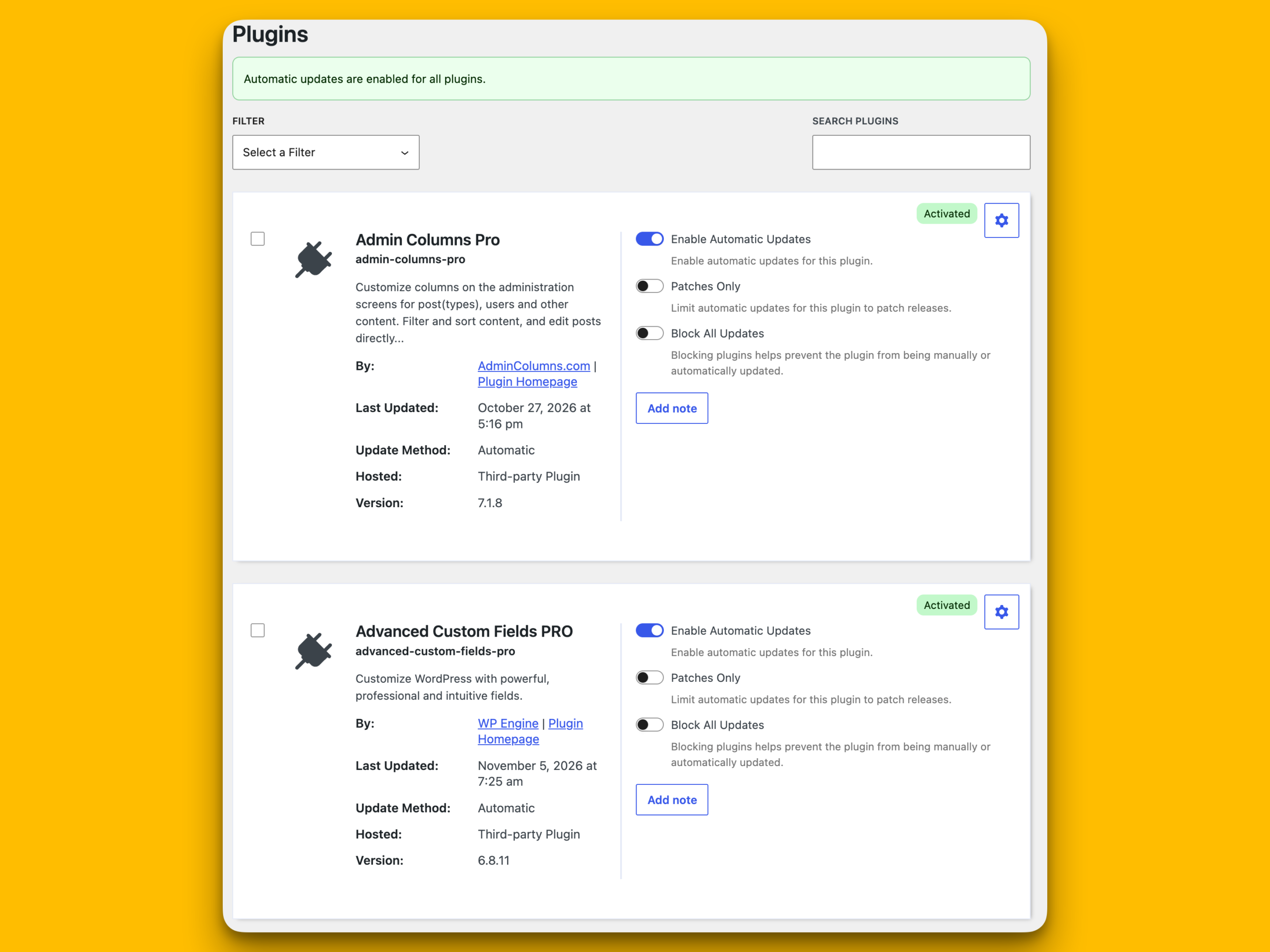
Plugins, Themes, and Translations set the rule for one item.
Schedules sets when WordPress looks for Core, plugin, and theme updates.
Upcoming, a subtab of Settings, lists plugin and theme releases that are waiting for updates.
Logs records each update attempt.
Emails and Slack send reports from that history.
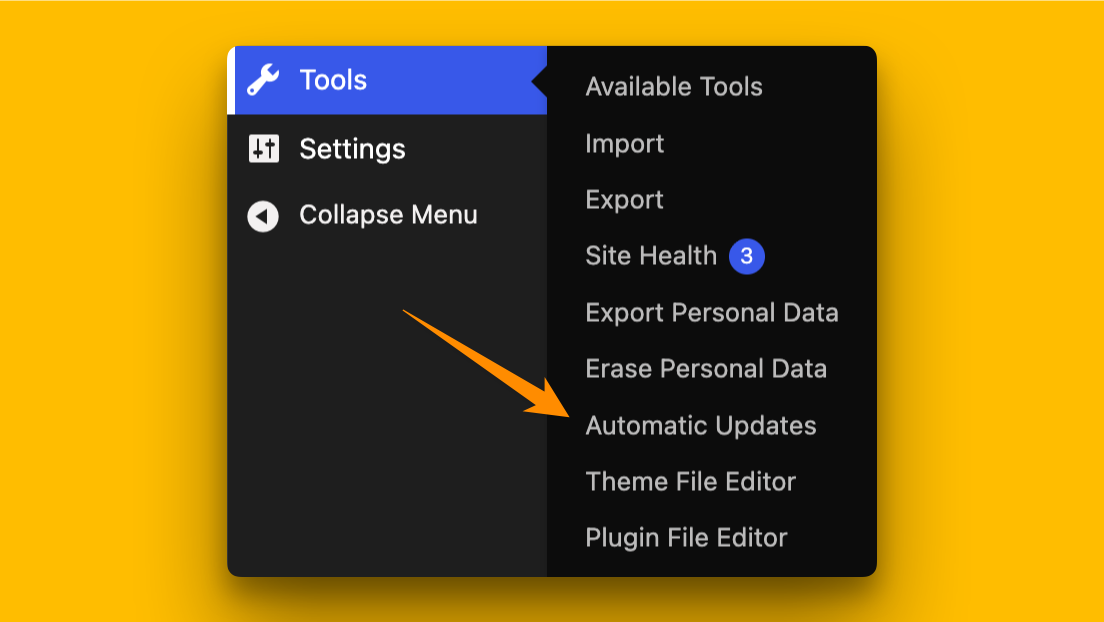
Tools can run allowed updates now, queue the next check, or refresh the list of available versions.
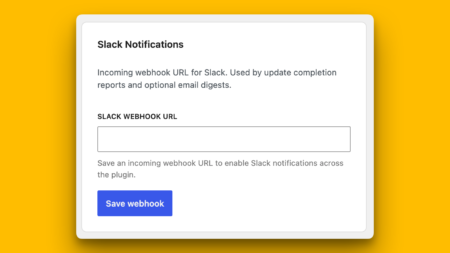
Advanced holds the delay, untested-update block, Slack webhook, branding, admin bar, reset, and deactivate controls.
UpdateBee Plugins Screen Showing Plugins and Options for Updates
Command palette Additions
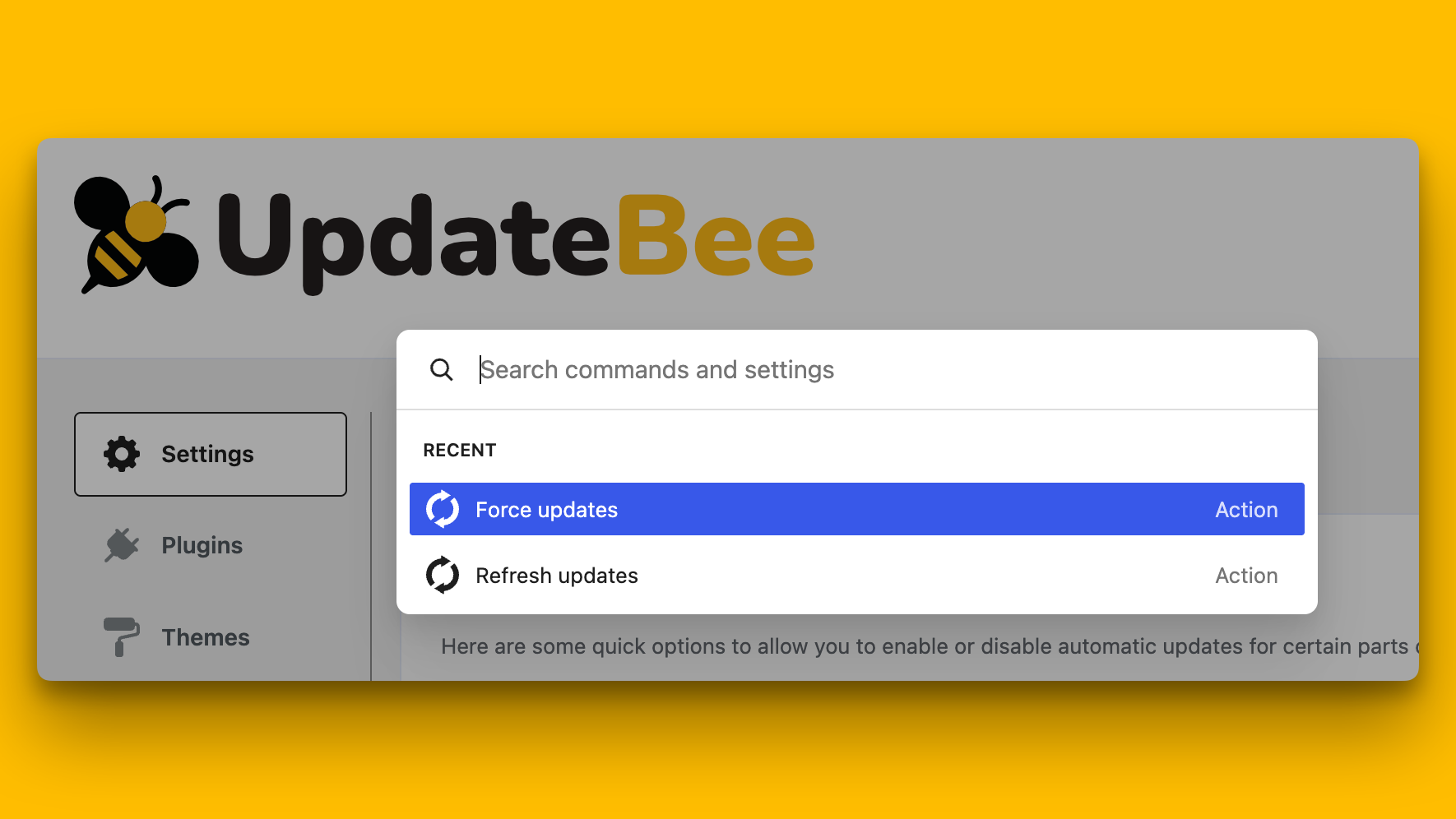
From the WordPress admin, press Command+K on a Mac or Ctrl+K on Windows and search for UpdateBee commands. Refresh updates checks for new versions. Force updates runs the automatic updates that are already allowed. Both actions also appear on the Tools tab. See the article Force Updates, Refresh, and Cron.
Force and Refresh Updates From the Command Palette
Backups
UpdateBee is not a backup solution, nor does it control any backups.
Keep a backup before a major update, a rollback, or Force Updates. UpdateBee can return a WordPress.org plugin or theme to an older package that is still published, and it can record what changed. A rollback cannot undo every database change or compatibility problem, and the log is a history, not a copy of the site.
Take and test backups on a schedule
UpdateBee does not replace a backup plugin or your host’s backups.
Requirements
UpdateBee requires WordPress 7.0 or later and PHP 8.2 or later. On Multisite it must be network-activated.
Related Posts:
Upcoming Updates November 14, 2026 This article details what's available under Upcoming Updates, which you…