On a Multisite network, UpdateBee is a network-only plugin with one set of settings for the entire network. Activate it from the network admin’s plugins screen. Only network administrators (super admins) can enable UpdateBee Network-wide.
UpdateBee on Multisite Installs
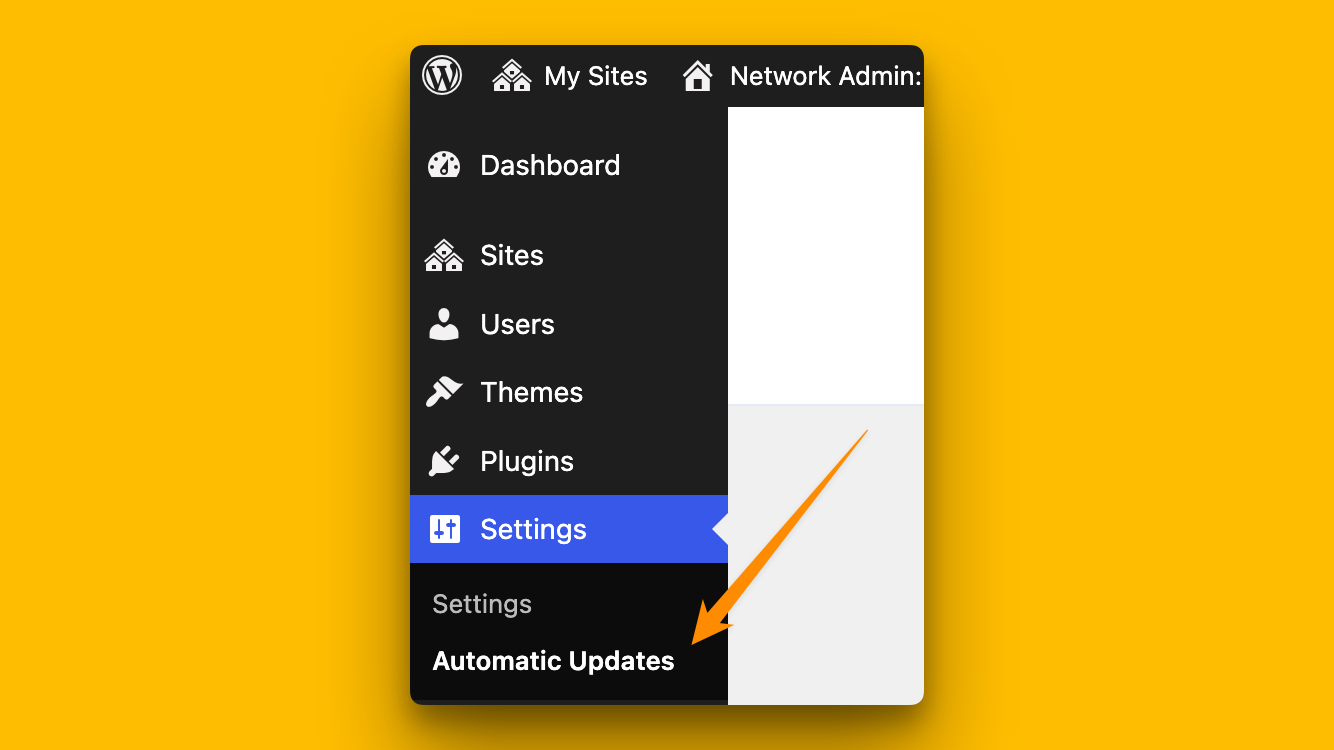
The plugin must be Network Activated on a Multisite install and has its options in the Network Admin under Settings->Automatic Updates.
Network activation
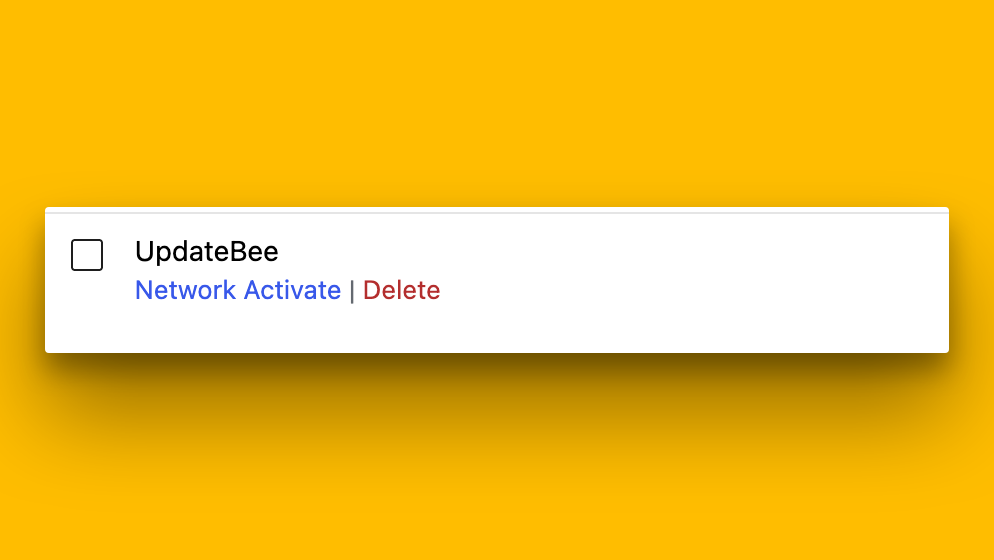
Network Activate Option for UpdateBee
In the network admin, open Plugins.
Choose Network Activate for UpdateBee.
UpdateBee stores its settings as network options and via global non-prefixed tables.
Where to configure Settings
Network Admin Settings Screen for UpdateBee
Go to the network admin and open Settings → Automatic Updates. The menu is registered for network admins only.
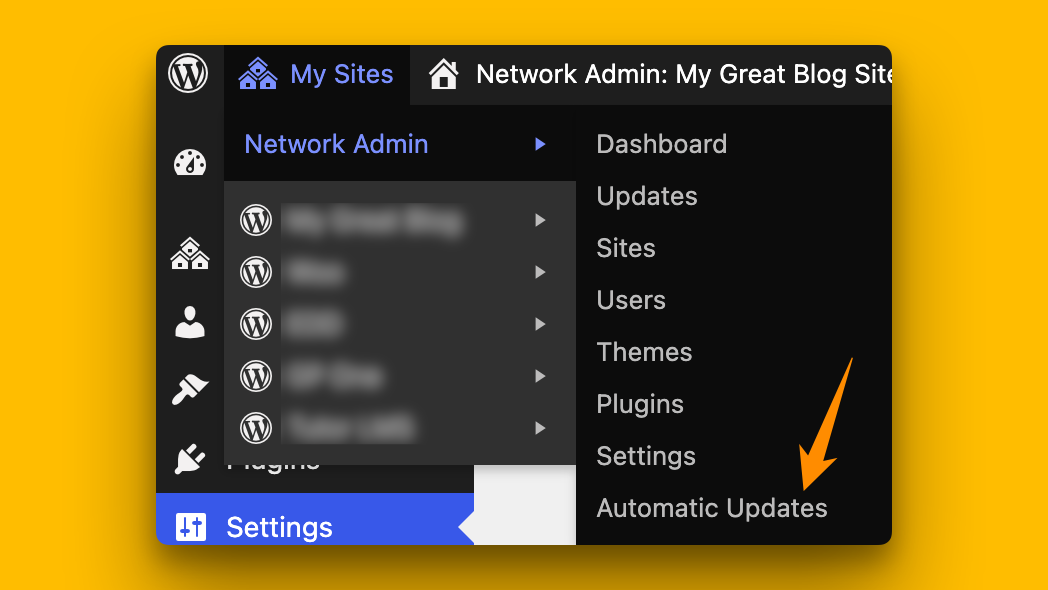
On Multisite, you can also access UpdateBee via the admin menu.
Access Automatic Update Settings Via the Network Admin Menu
Mail and logs and Saving Settings
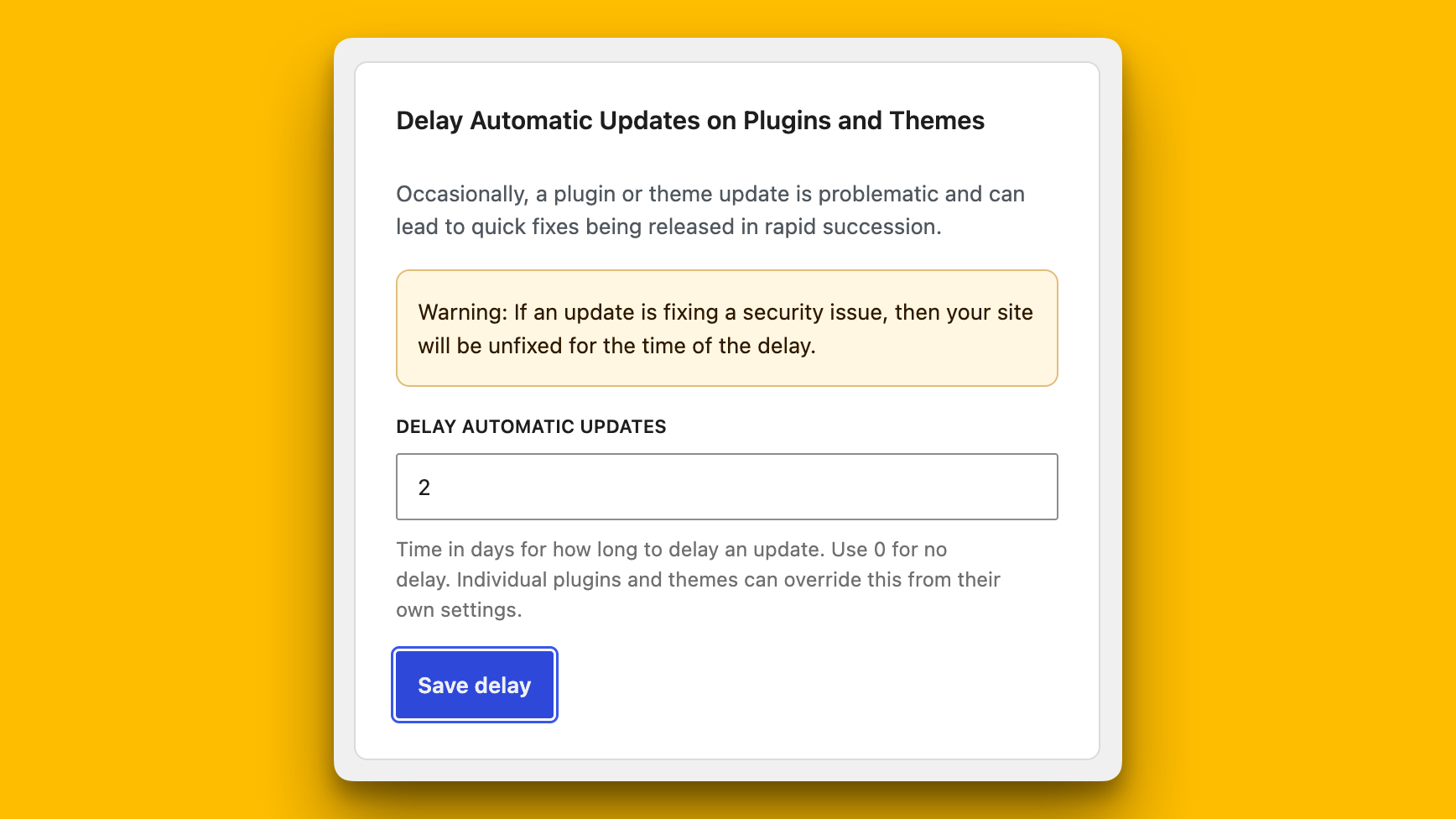
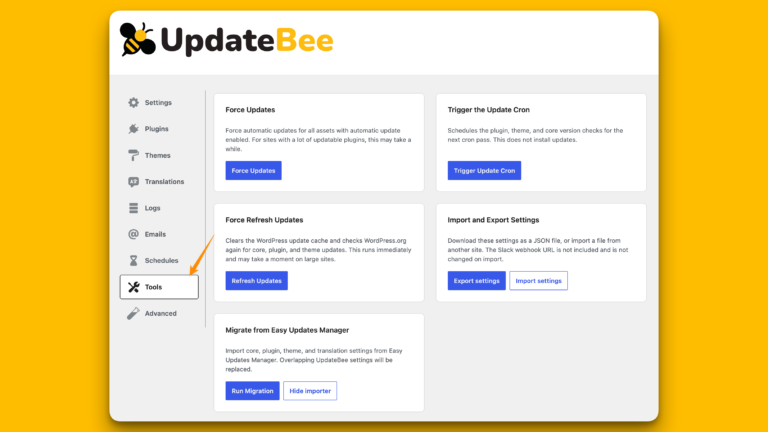
Email recipients and the Slack webhook are network-wide settings. Logs are written for the network. Exporting settings from Tools downloads that network configuration and can be imported into another network, or even a single-site installation.
Related Posts:
Common Use Cases November 14, 2026 UpdateBee is a versatile upgrade management plugin and features several…
Block Untested Updates November 14, 2026 Skip an update if the minimum WordPress Version isn't met.
Skip a Version November 14, 2026 Skip a version to keep a stable version of a…