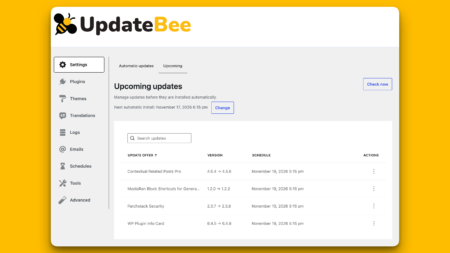
A delay holds a new plugin or theme release for a number of days before automatic updates install it. The wait starts when UpdateBee first sees that offered version.
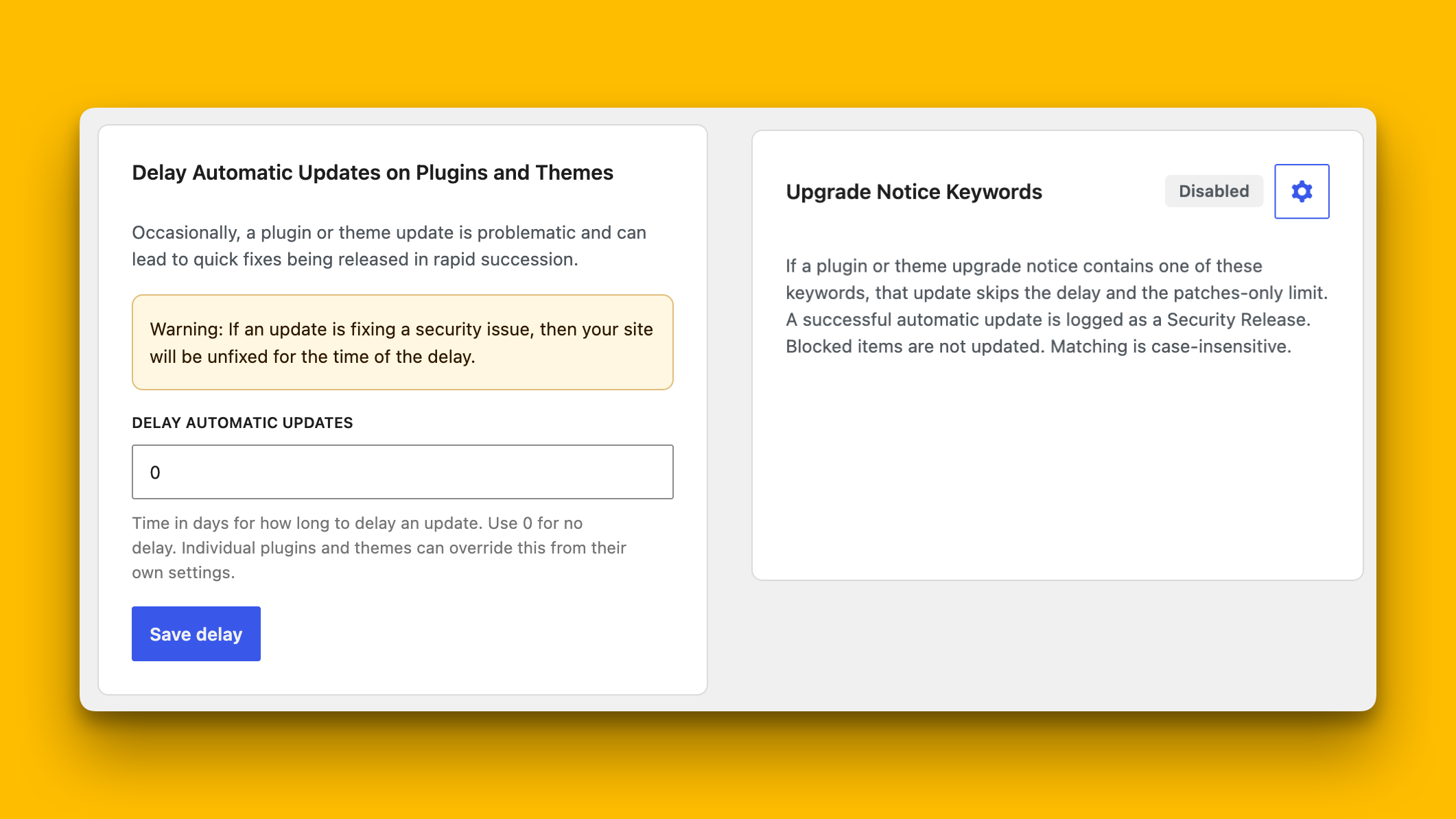
Open Advanced. The card is Delay Automatic Updates on Plugins and Themes.
Delayed Updates and Keyword Exclusions
Set the site delay
Delay Automatic Updates is a number of days. Use 0 for no delay. The help text says individual plugins and themes can override this from their own settings. Select Save delay.
The card warns: if an update is fixing a security issue, then your site will be unfixed for the time of the delay.
A delayed attempt is recorded in Logs with the status Delayed.
Let a matching upgrade notice through
Upgrade Notice Keywords is the gear on the same area of Advanced. The card explains that if a plugin or theme upgrade notice contains one of these keywords, that update skips the delay and the patches-only limit. Blocked items are not updated. Matching is case-insensitive.
Security Keyword Updates Make Security Updates a Priority
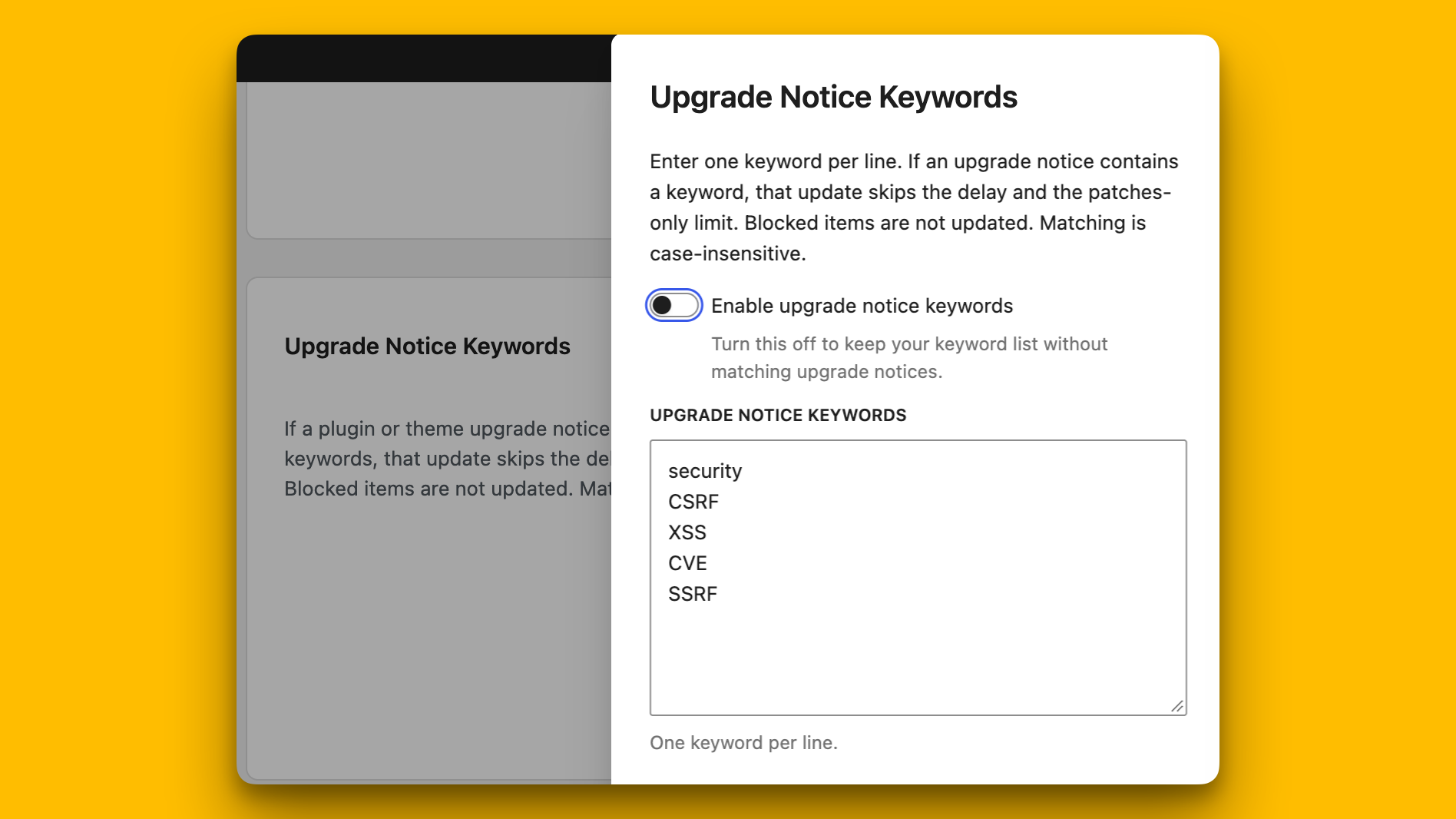
Open the drawer and turn on Enable upgrade notice keywords. The keyword check stays off until that toggle is on. The field Upgrade notice keywords takes one keyword per line. The stored default list is:
security
CSRF
XSS
CVE
SSRF
Save keeps the list. Turning the toggle off keeps the list and stops matching. A match can also install a release that Patches only would otherwise hold. See the article Patches Only.
Set a delay for one plugin or theme
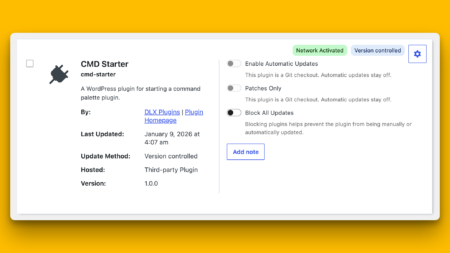
On Plugins or Themes, the gear on a row opens Plugin settings or Theme settings. The drawer says the options apply only to that item.
Delayed Updates: Use site default (N days) follows the number saved on Advanced. Turn that toggle off to show Delay automatic updates. The help text says this is the days to wait before this item is updated automatically, and that 0 means no delay. Save stores it for that item only.
A custom value replaces the site delay, including 0 when this item should update with no wait.
Skip the delay for one Force Updates run
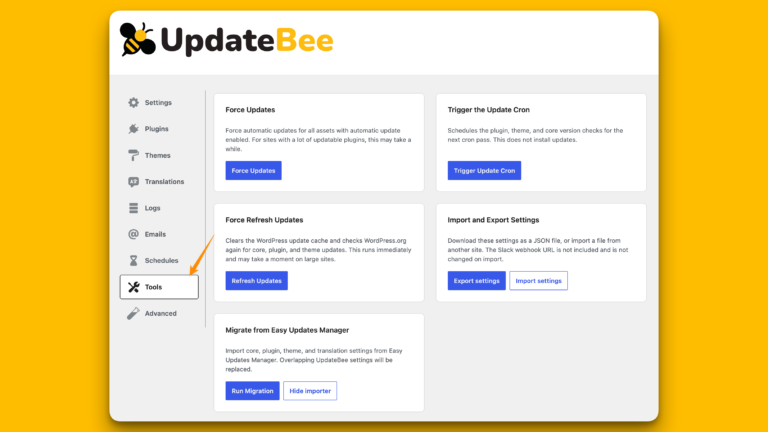
Force Updates on Tools, and Force updates in the command palette, can ignore the wait for a single run. When a delay is configured, the confirmation includes Skip the update delay. The help text says plugins and themes that are still waiting will update on this run. The confirmation itself is in the article Force Updates, Refresh, and Cron.