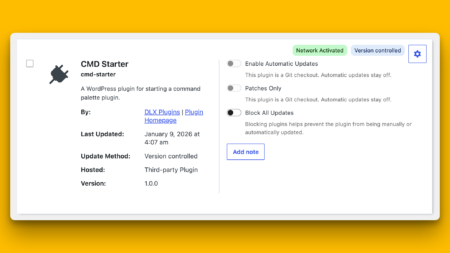
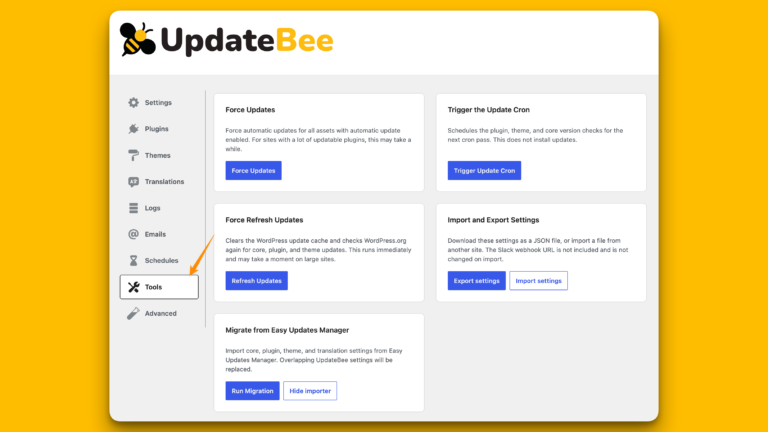
Agencies can change the name, description, author, and URL that WordPress shows for UpdateBee. The plugin files and the updatebee slug stay the same. Branding changes what people see on the Plugins screen, in the UpdateBee settings header, and in email and Slack alerts.
Open the branding fields in the Advanced Tab
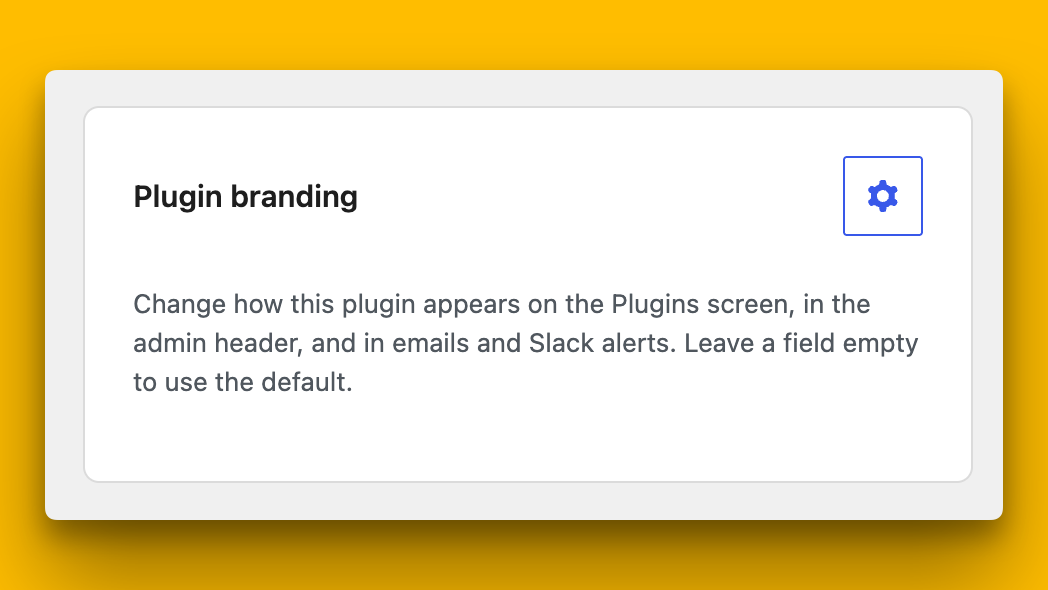
The Branding Card under Advanced in UpdateBee’s Settings
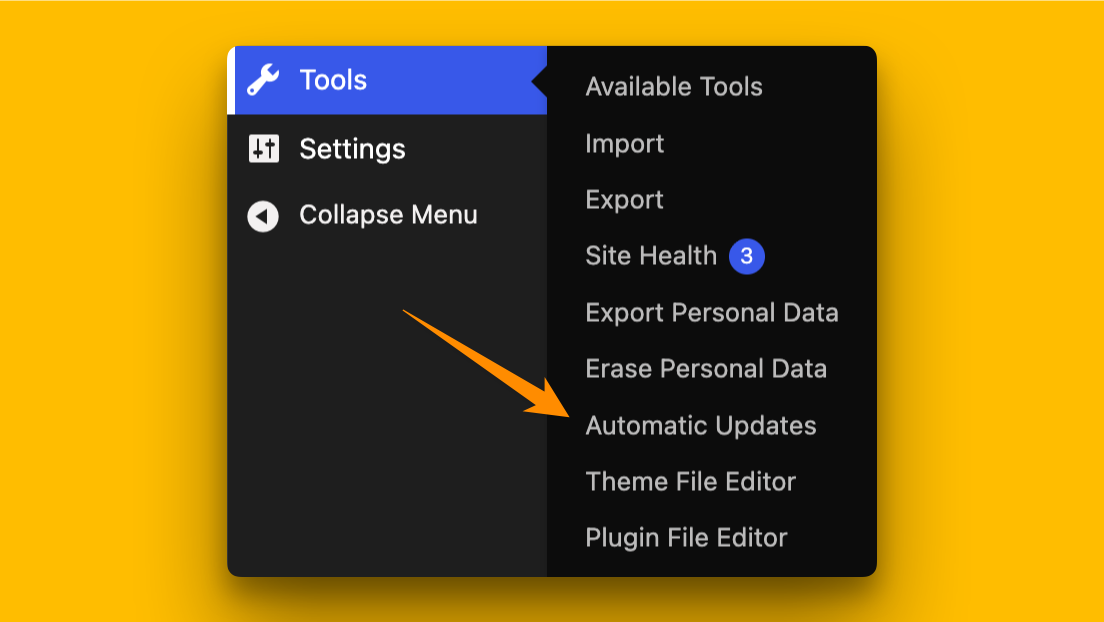
Open UpdateBee. On a single site that is Tools → Automatic Updates. On Multisite, use the network admin path in the article UpdateBee on Multisite.
Open Advanced.
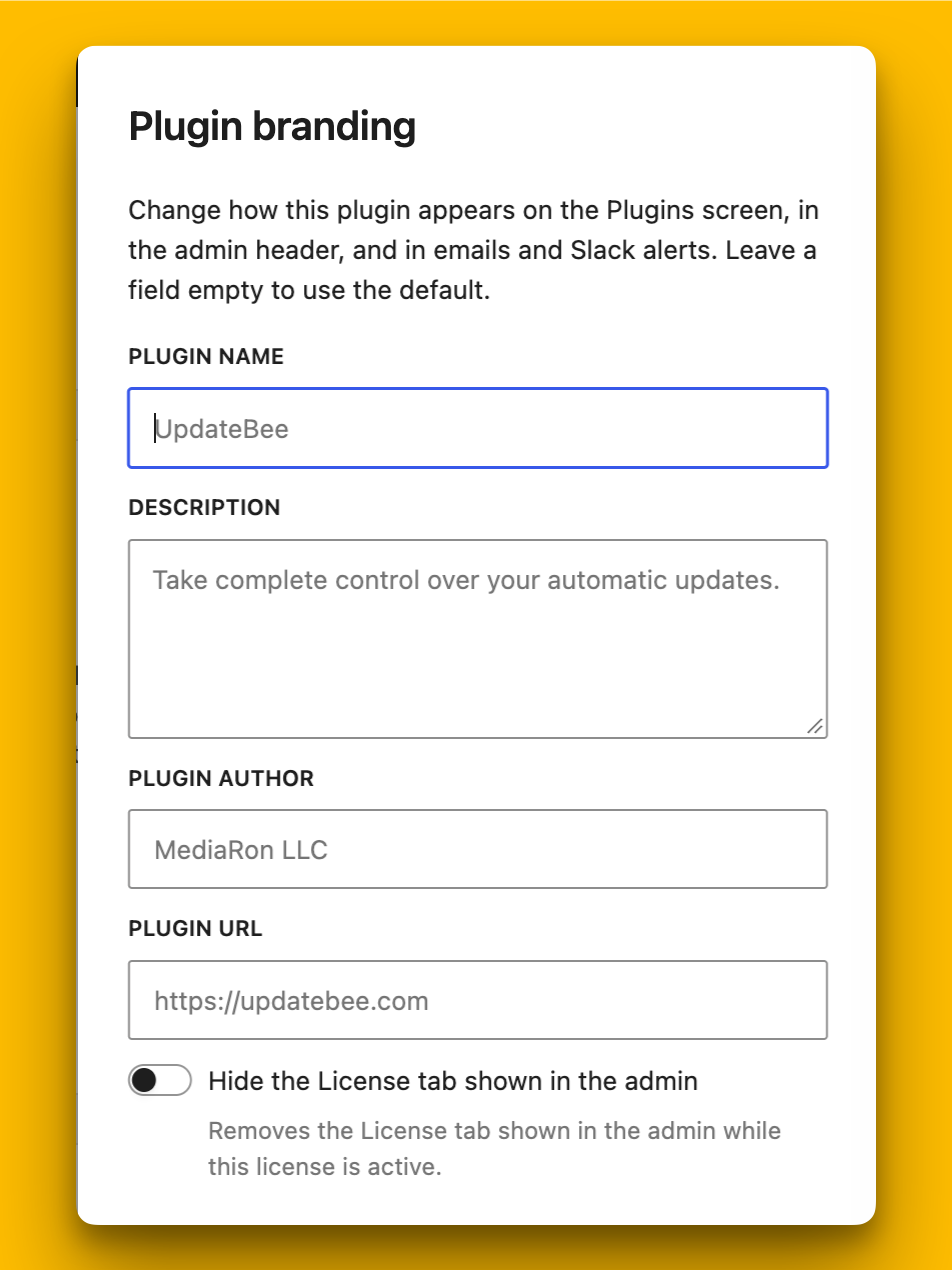
On the Plugin branding card, select the gear icon, which will open a drawer with the branding options.
The card explains that these fields change how the plugin appears on the Plugins screen, in the admin header, and in emails and Slack alerts. Leave a field empty to keep the default.
UpdateBee Branding Options
What each field changes
Field
When it is filled in
Plugin name
Replaces the name on the Plugins screen, the UpdateBee header, and the name used in emails and Slack. The card shows Shown as: after you save a name.
Description
Replaces the Plugins’s screen description.
Plugin author
Replaces the author on the Plugins screen.
Plugin URL
Replaces the plugin and author URLs on the Plugins screen.
License Visibility
Determines if the license tab should be visible or not.
Select Save. Cancel discards unsaved edits. An empty field falls back to the header default. The name default is UpdateBee.
Branding (Also Known as White-Labeling) is a display change.
It does not rename the plugin directory, the text domain, or where settings are stored for the network.
Gating the License Tab Visibility
Since any admin can update the branding and thus enable/disable the license tab view, there are several gated options to ensure branding remains enabled.
License Visibility and Inactive Licenses
The license tab can be hidden as long as there’s an active license. In inactive or expired licenses, the License tab will show again.
Place Code in wp-config.php
You can place constants in wp-config.php so that branding can’t be overridden.
Use constant UPDATEBEE_BRANDING to ensure branding remains on.