Rollback replaces the installed WordPress.org copy of a plugin or theme with an older release that is still published in the directory. The plugin or theme stays active. Use it when you need the previous package back on the site.
Rollback is not a backup and cannot undo every database or compatibility change. Keep regular backups, and take one before you roll back.
When Rollback is offered
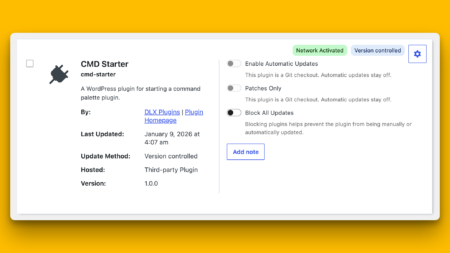
On Plugins or Themes, Rollback appears when the package is a WordPress.org plugin or theme and UpdateBee can install an older directory release. Version-controlled packages do not get Rollback. See the article Version-Controlled Plugins and Themes.
Akismet Rollback Options in UpdateBee
Install an older release
Select Rollback on the row.
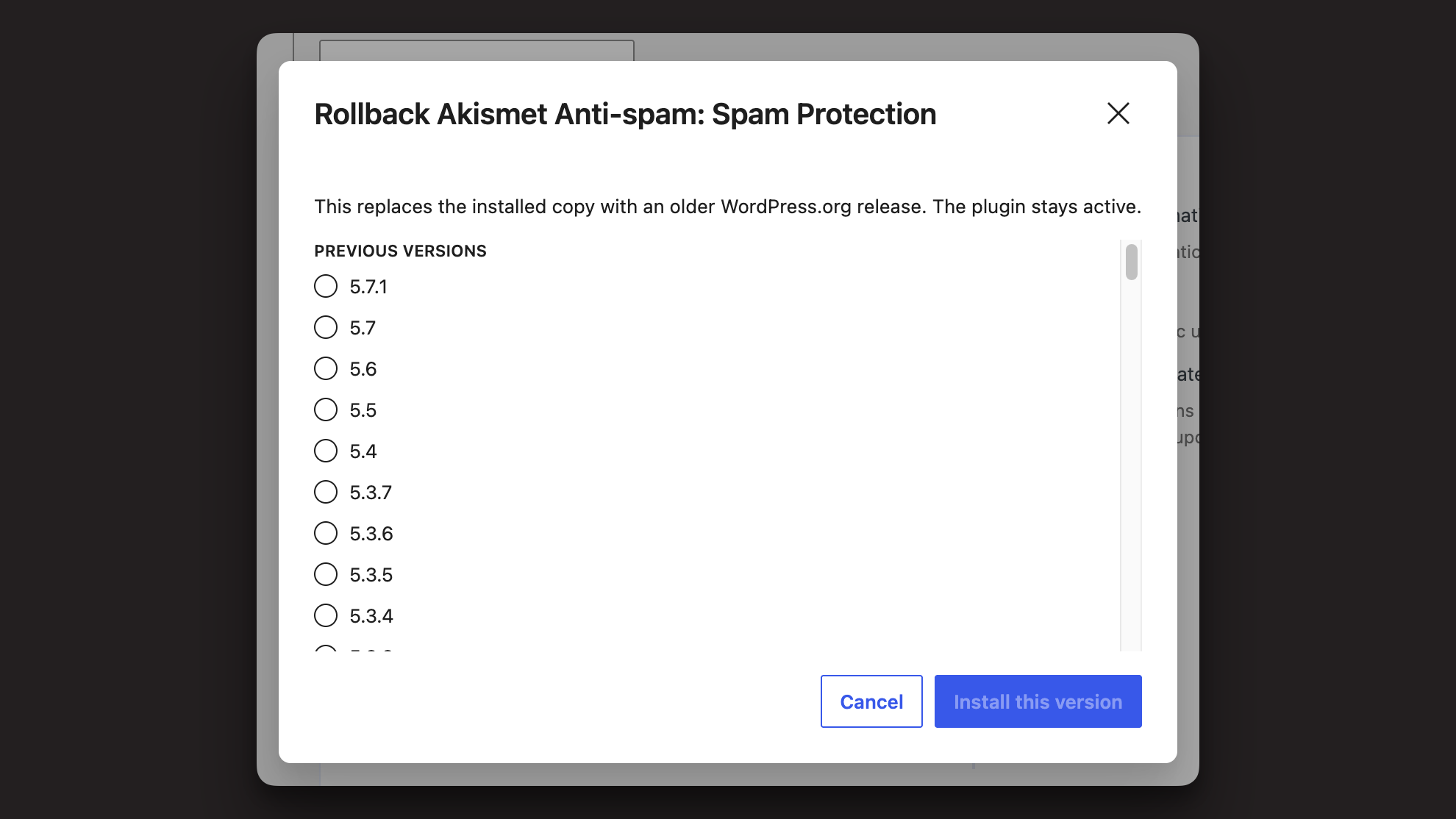
Wait while previous versions load. The field is Previous versions.
Choose a version and select Install this version.
The plugin modal says: “This replaces the installed copy with an older WordPress.org release. The plugin stays active.” The theme modal uses the same sentence and says the theme stays active.
If WordPress.org cannot be reached, the error is “WordPress.org could not be reached.”
Cancel closes the modal and leaves the installed copy in place.