
themes
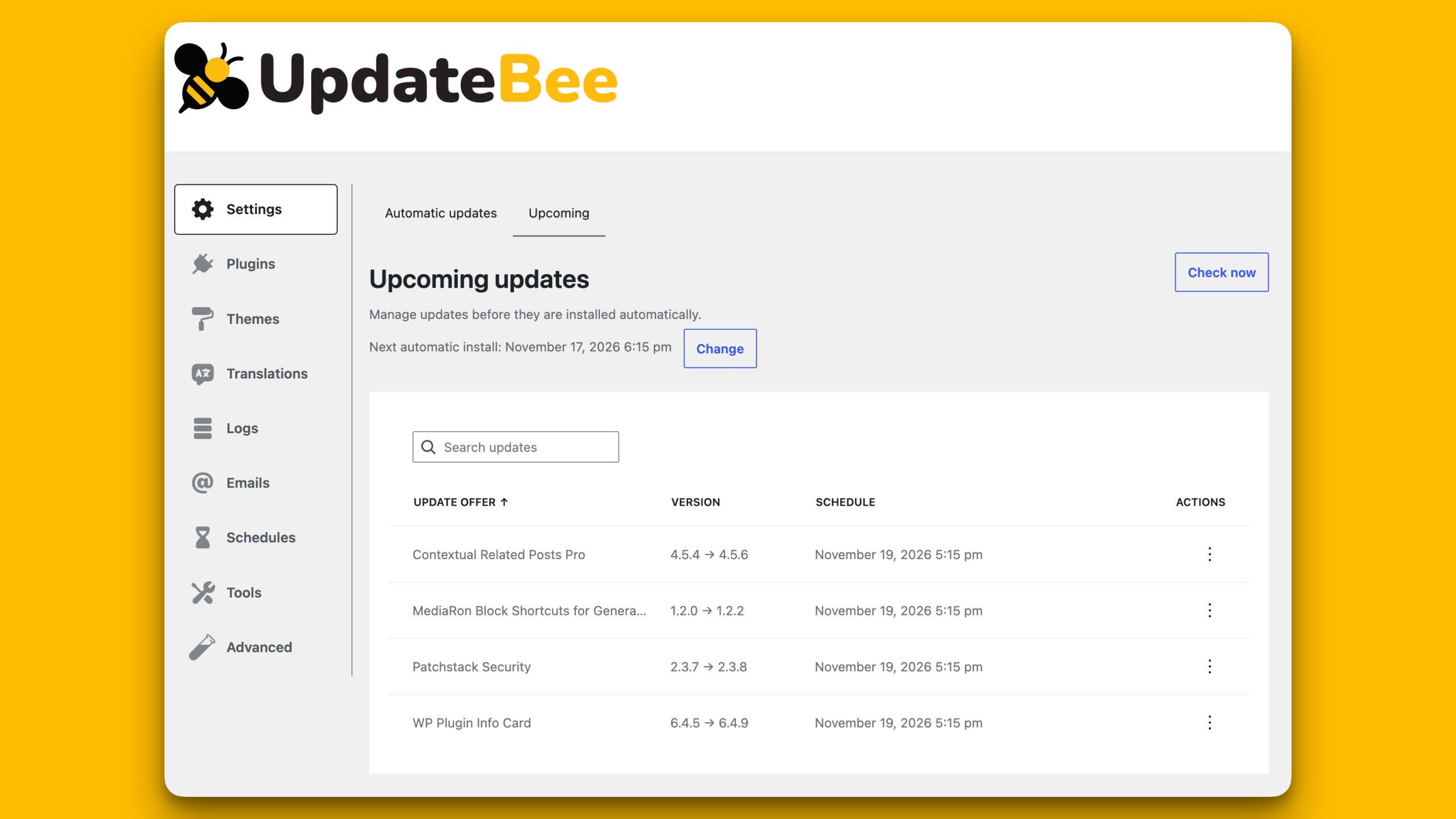
Upcoming Updates
This article details what's available under Upcoming Updates, which you can find in several places in UpdateBee's settings.
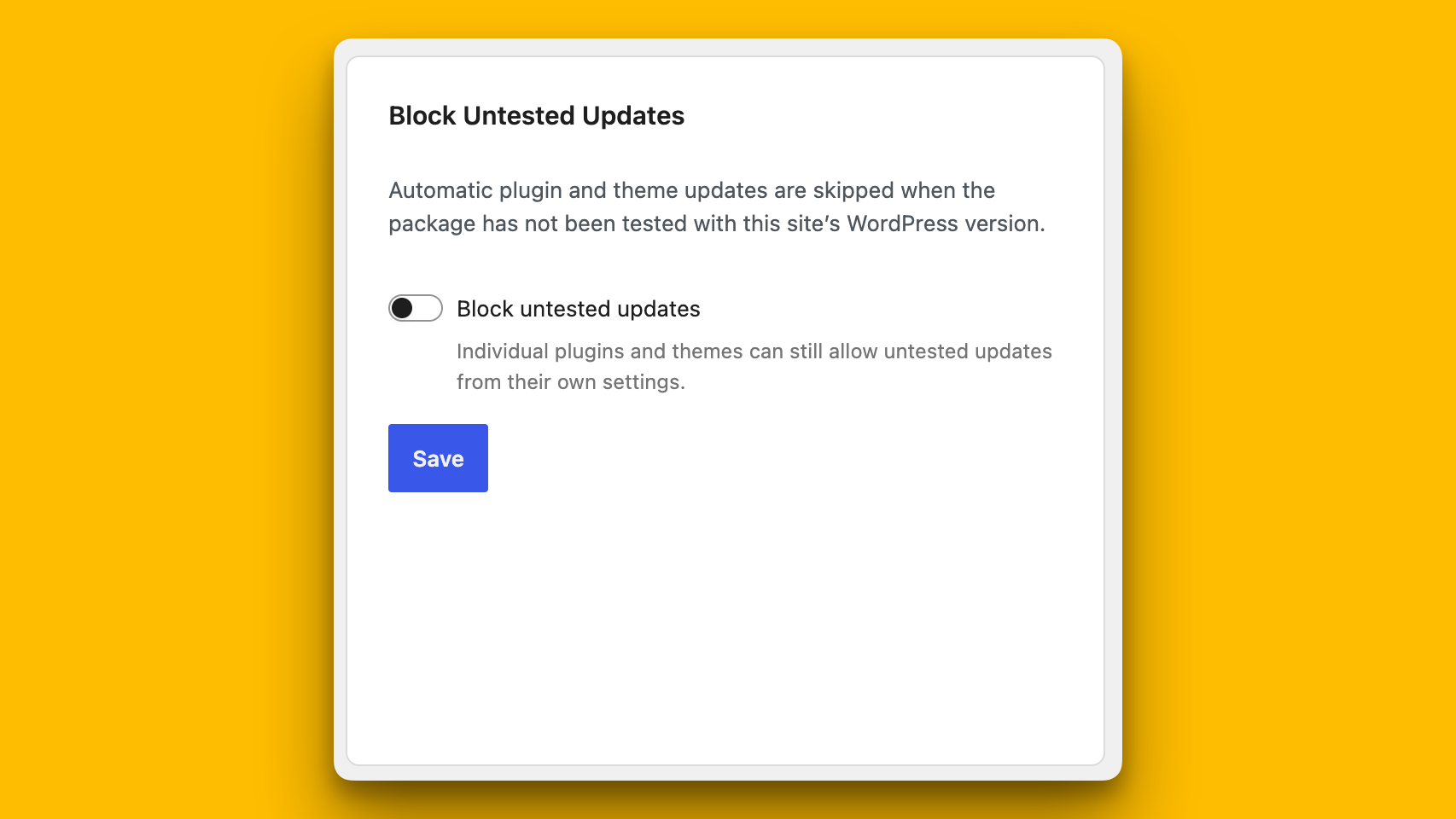
Block Untested Updates
Skip an update if the minimum WordPress Version isn't met.
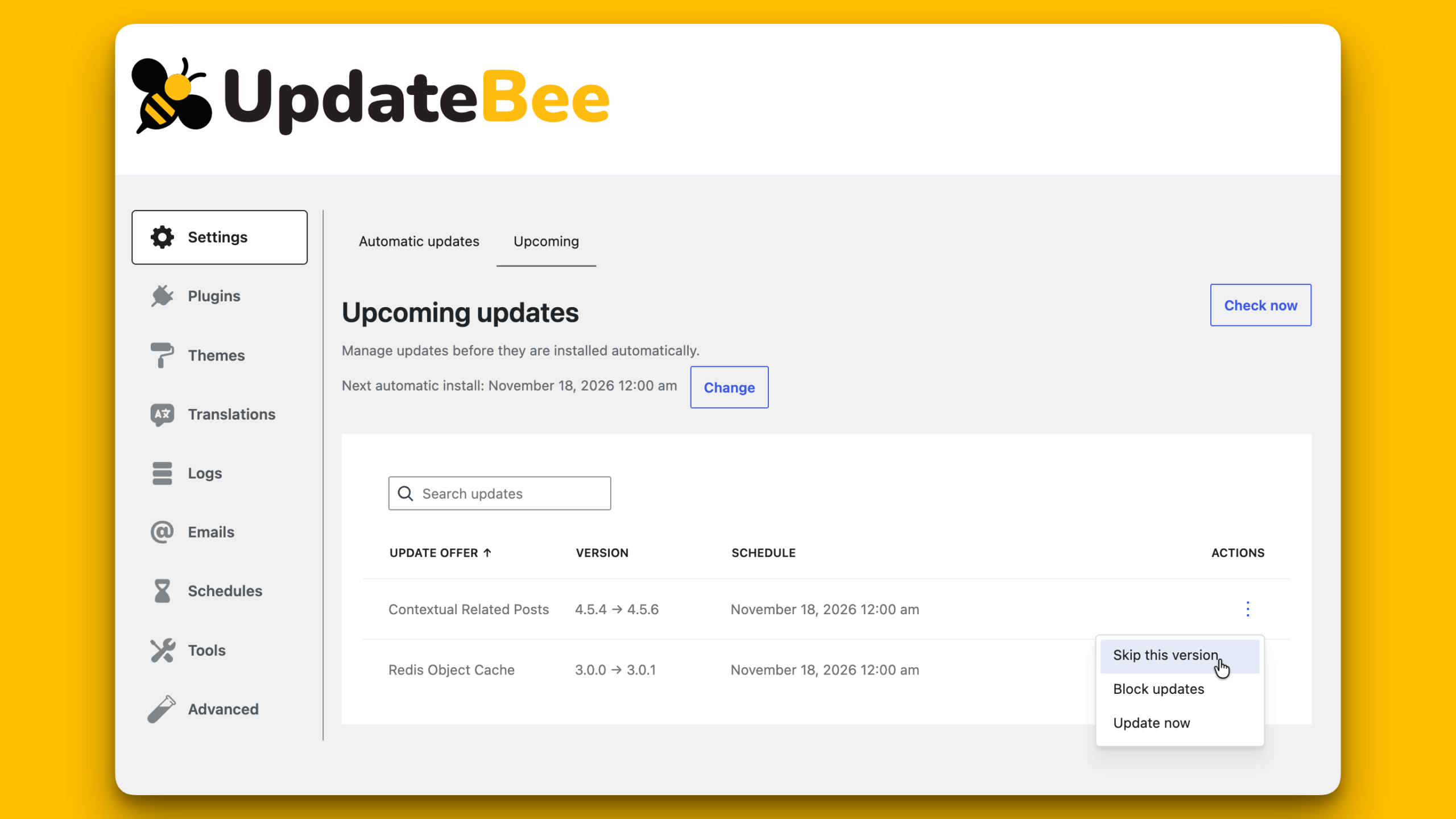
Skip a Version
Skip a version to keep a stable version of a plugin or theme until a newer (often time patched) version is released.

Roll Back a Plugin or Theme
Plugins and themes listed on WordPress.org have a rollback option available on their respective rows.
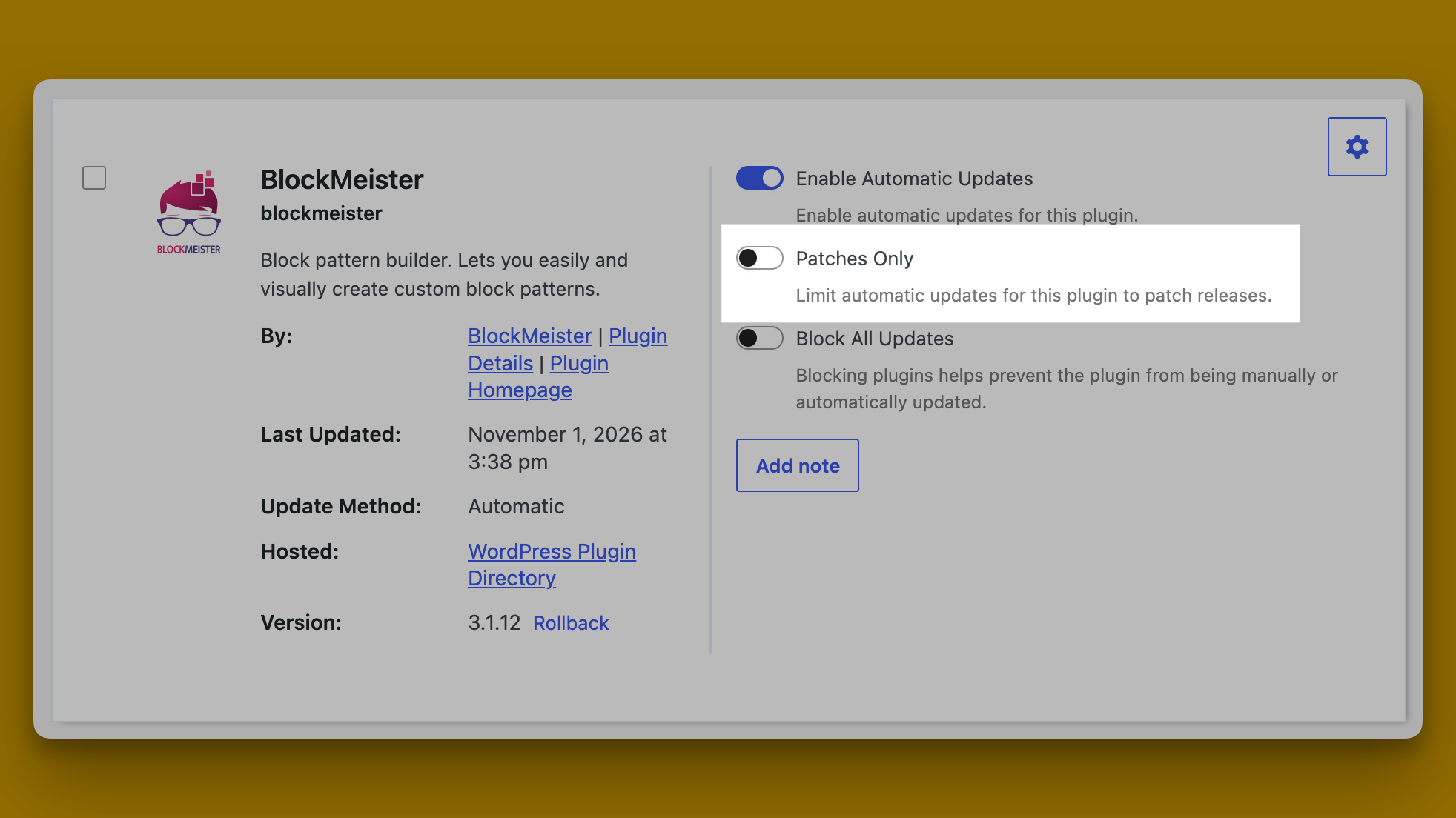
Patches Only
Patches Only allows you to only install updates that are minor version releases and not major upgrades.
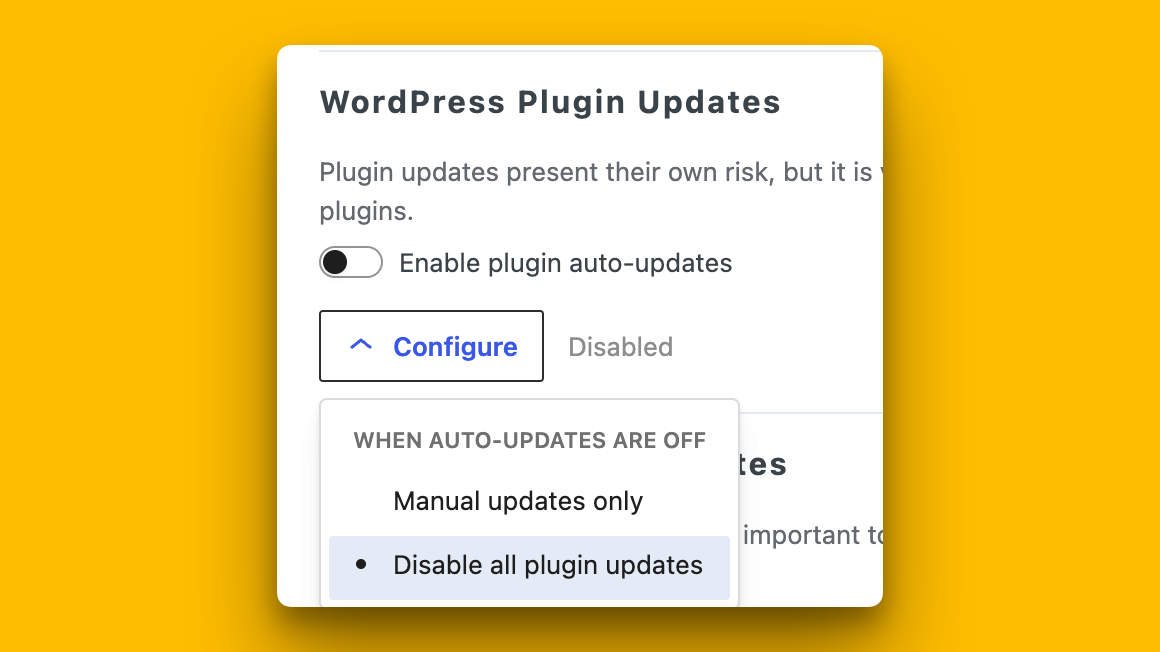
Blocked Updates
It's simple to block an entire update policy (plugins, themes, translations) or disable / block updates per item.
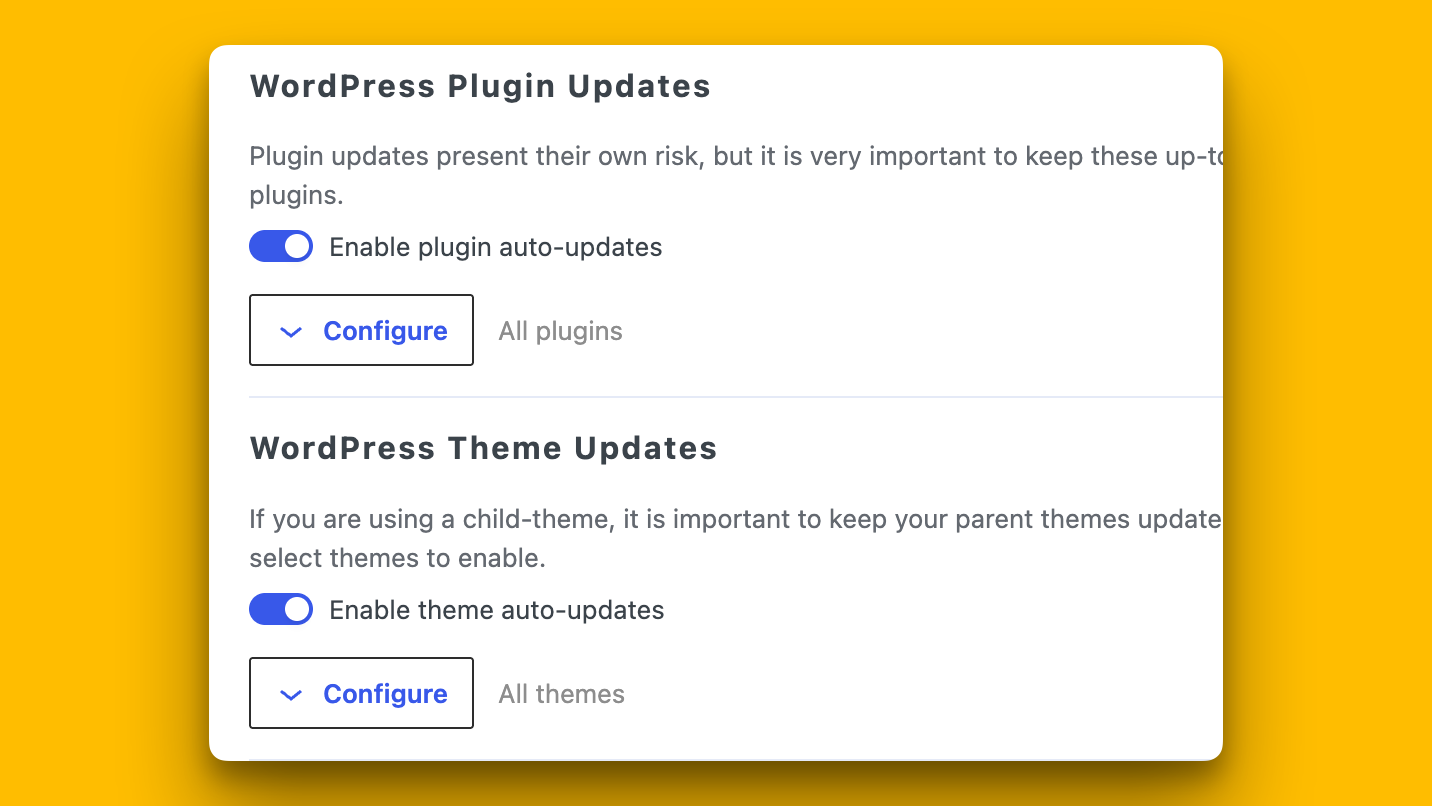
Configuring Automatic Updates
Configuring the automatic update settings is designed to be quick and relatively painless. You'll find a lot of flexibility in UpdateBee's settings.