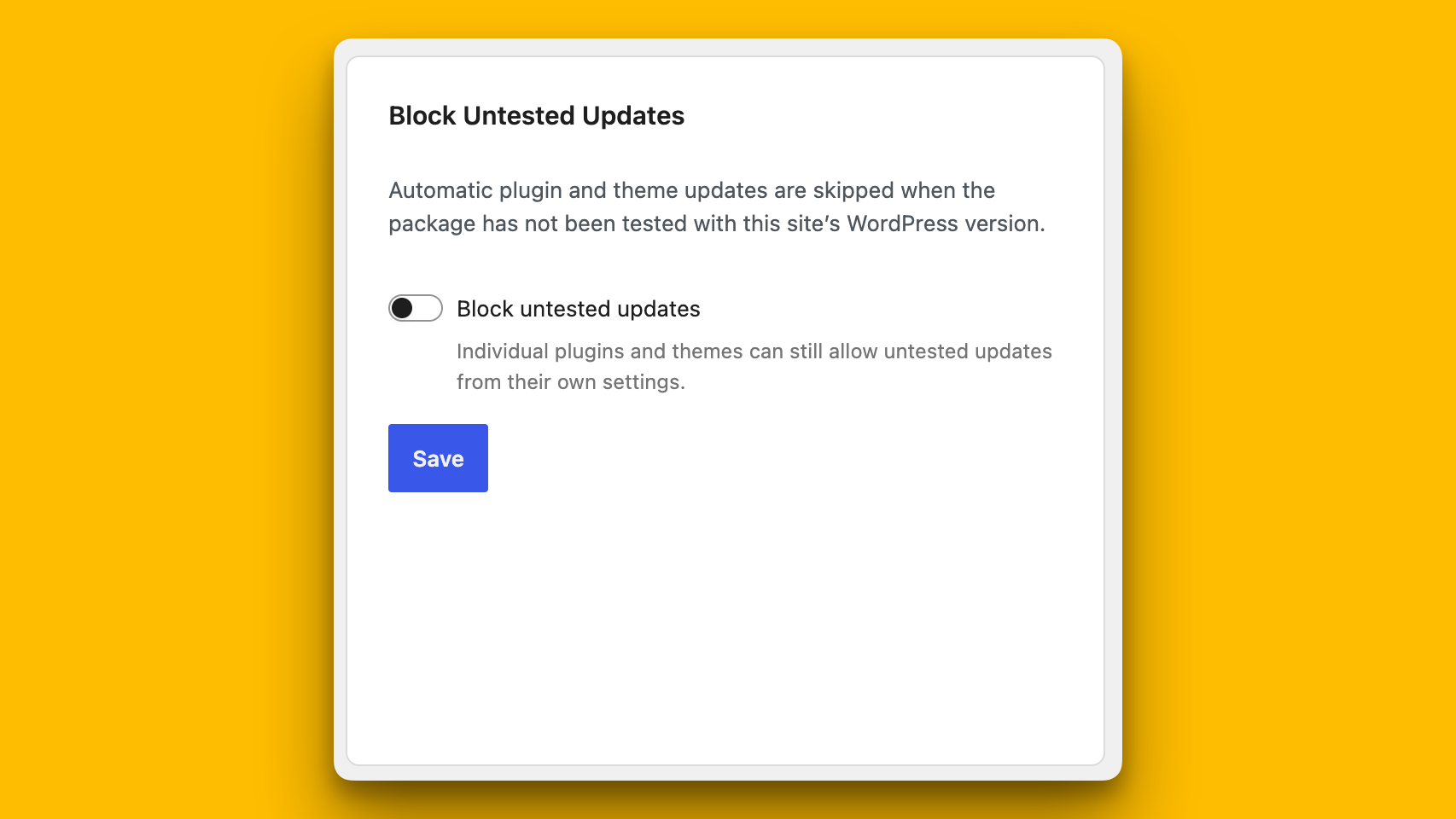
Block Untested Updates skips automatic plugin and theme updates when the package has not been tested with the site’s WordPress version.
Open the Advanced tab and find the card Block Untested Updates. Turning it on will block updates for the incompatible version of the plugin or theme.
Block Untested Updates on the Advanced Tab
Turn the block on
Enabling the option and saving it turns the blocking on. Updates that are skipped are marked as “Blocked” in the logs. See Logs.
The option starts off, so untested updates are allowed until you save the toggle enabled.
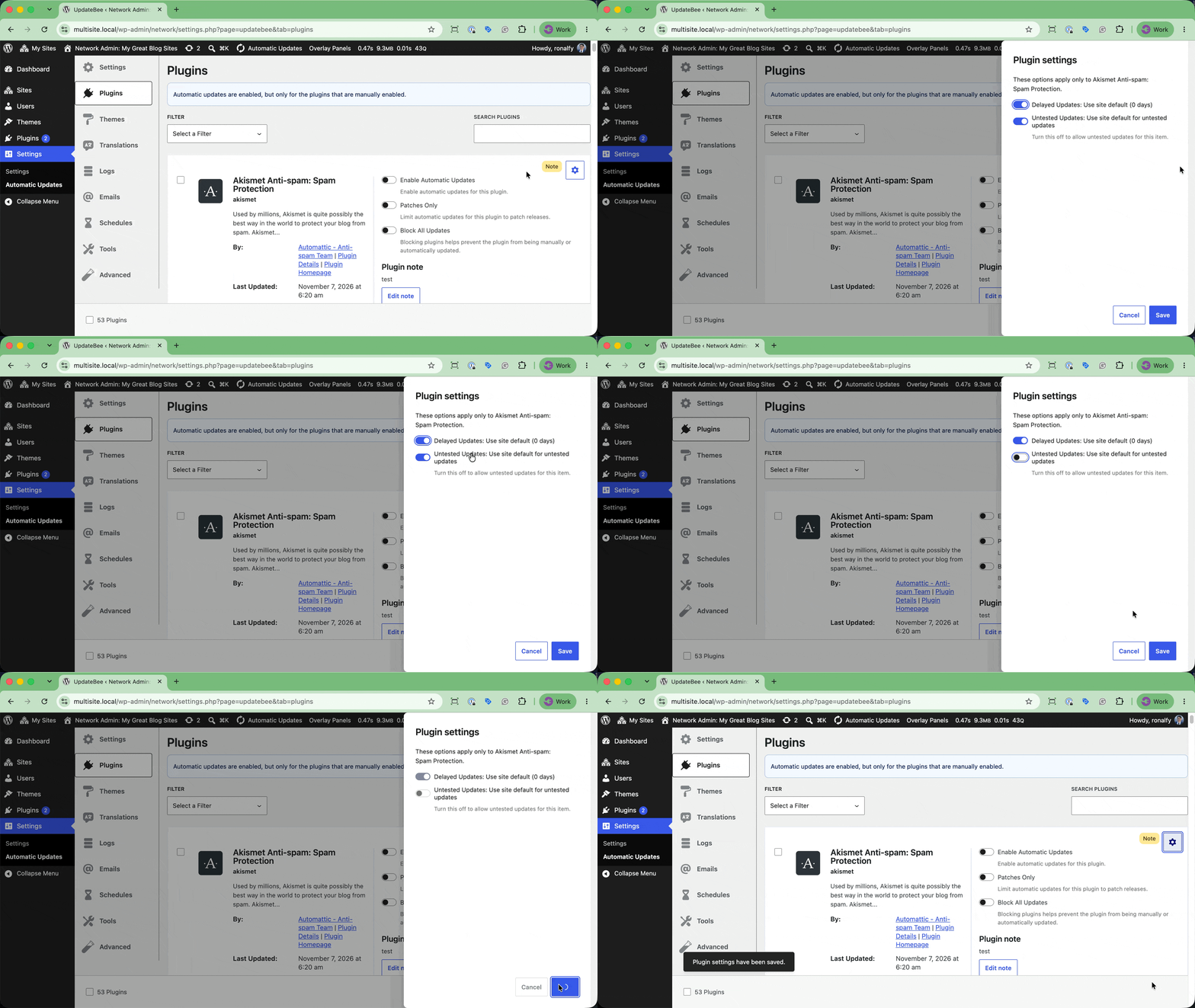
Allow one item through
On Plugins or Themes, the gear icon for that item opens Plugin settings or Theme settings. The toggle is Untested Updates: Use site default for untested updates. Turning this off per plugin or theme will allow the blocked updates through.
Skip a Blocked Asset By Opening the Gear Icon
When the site-wide block is off, the drawer shows: “Untested updates are already allowed for every plugin and theme.”
Save in the drawer stores the choice for that item. Leaving the toggle on keeps the site default.
Related Posts:
Common Use Cases November 14, 2026 UpdateBee is a versatile upgrade management plugin and features several…
UpdateBee on Multisite November 14, 2026 UpdateBee is a Multisite-first plugin, but can work well under…