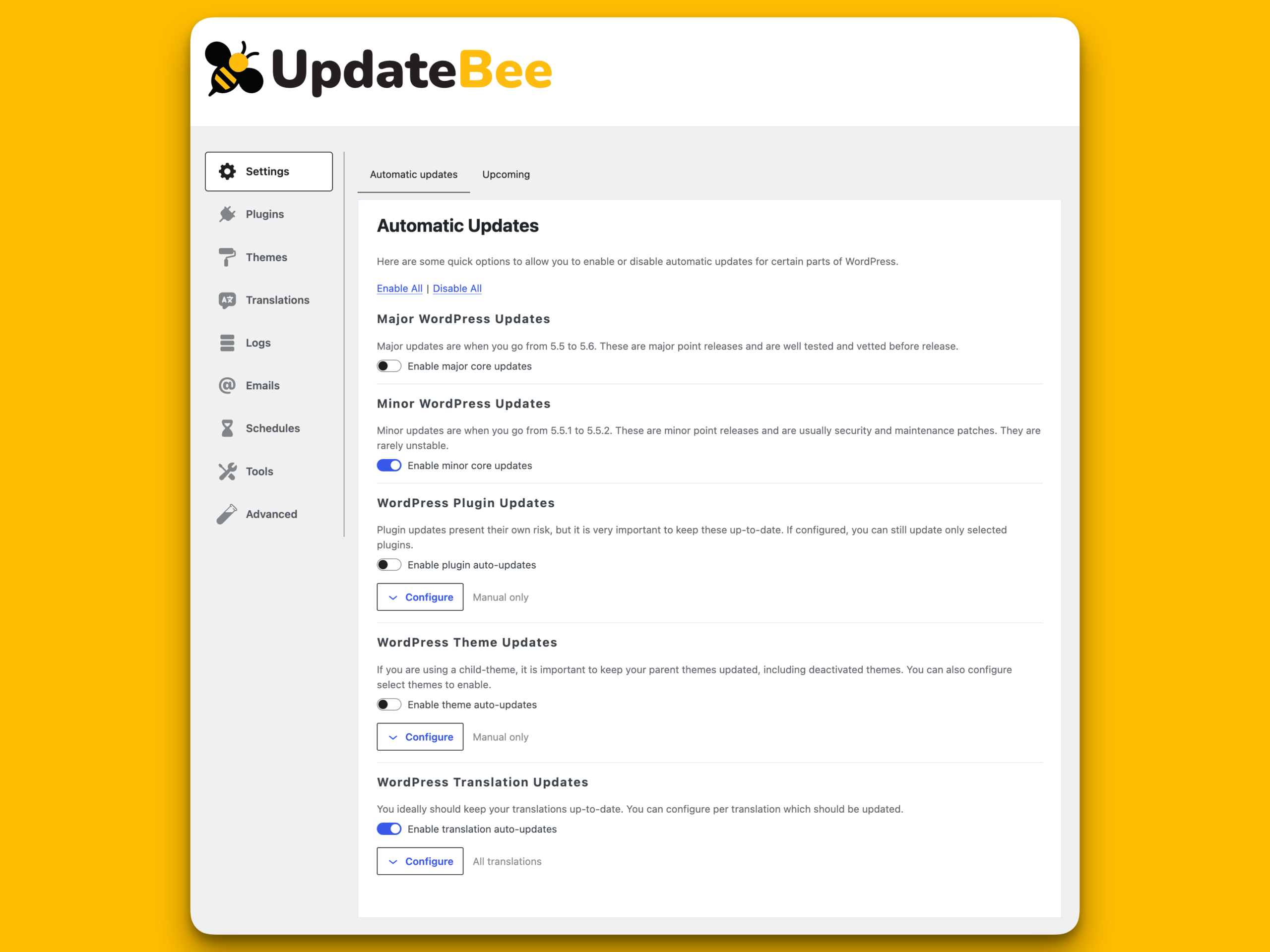
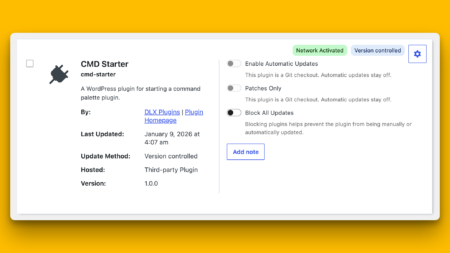
The main Settings tab of UpdateBee displays at a glance what major and minor updates are enabled for automatic updates in WordPress Core. Plugin and Theme automatic updates are off by default. Translation updates are set on for automatic updates by default.
Settings Screen on a Fresh Install of UpdateBee
Major and minor Core WordPress updates Explained
Major WordPress Updates are point releases. For example, going from WordPress version 5.5 to 5.6. Another example is going from 7.0 to 7.1. Only a point release update constitutes a major WordPress version release.
Minor WordPress Updates are minor point releases and are generally considered security updates. Using a similar example as above, a version going from 5.5.1 to 5.5.2 constitutes a minor release, or a patch release. These smaller updates are considered minor updates. By default, minor point releases are enabled for automatic updates because they often include critical bug fixes and security releases.
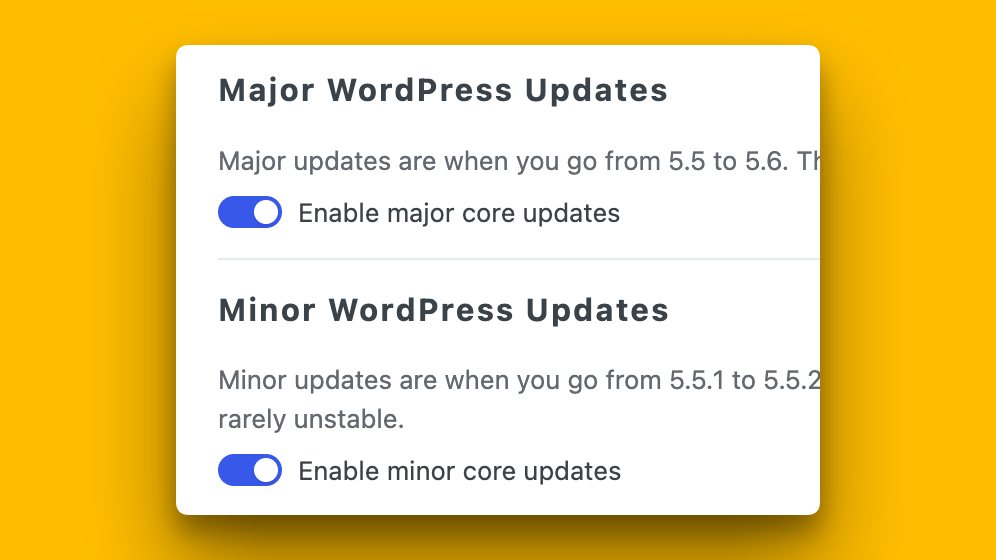
You can switch on and off automatic updates for Core’s minor and major updates by switching the toggles to on or off.
Major and Minor Updates Shown Enabled (On)
Configuring Plugin and Theme Automatic Updates
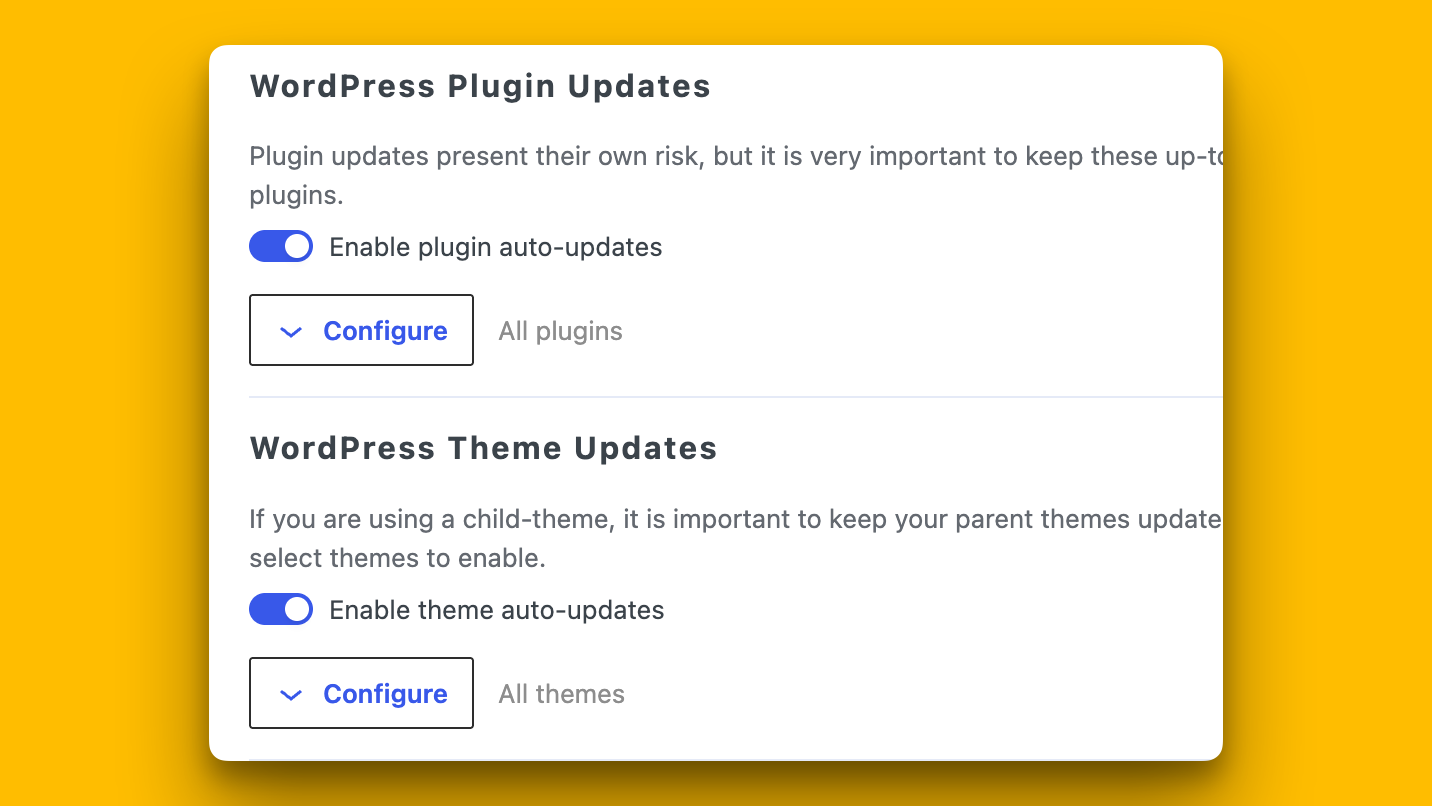
Both plugins and themes can have automatic updates enabled by checking the toggles next to each option. These are off by default.
Plugin and Theme Automatic Update Toggles Switched On
These global toggles will turn on or off automatic updates for all plugins and themes at once.
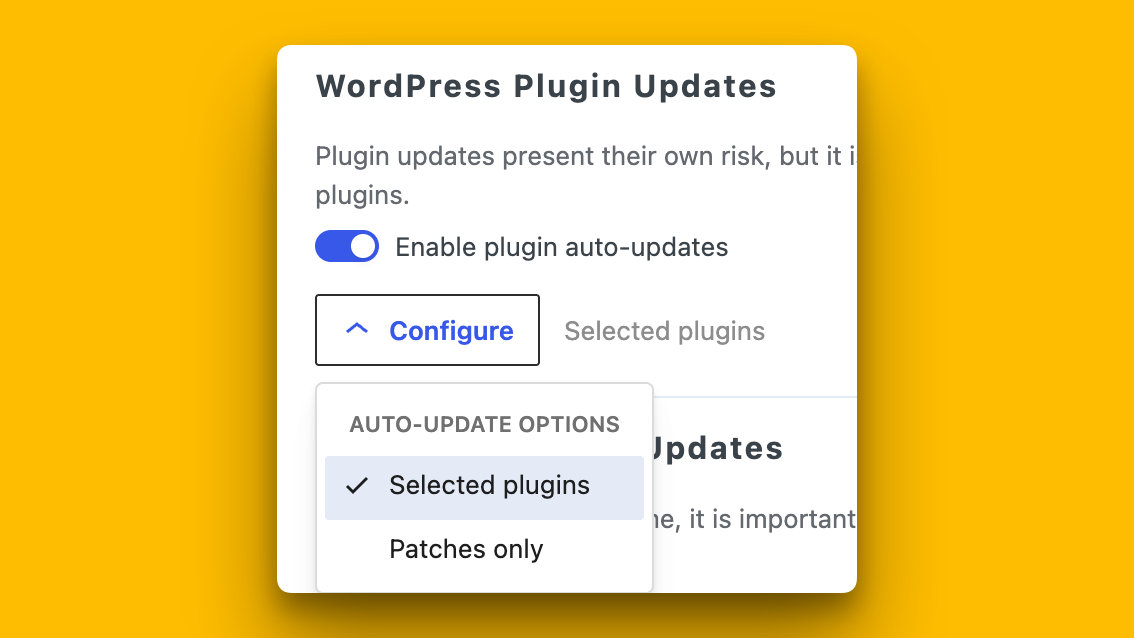
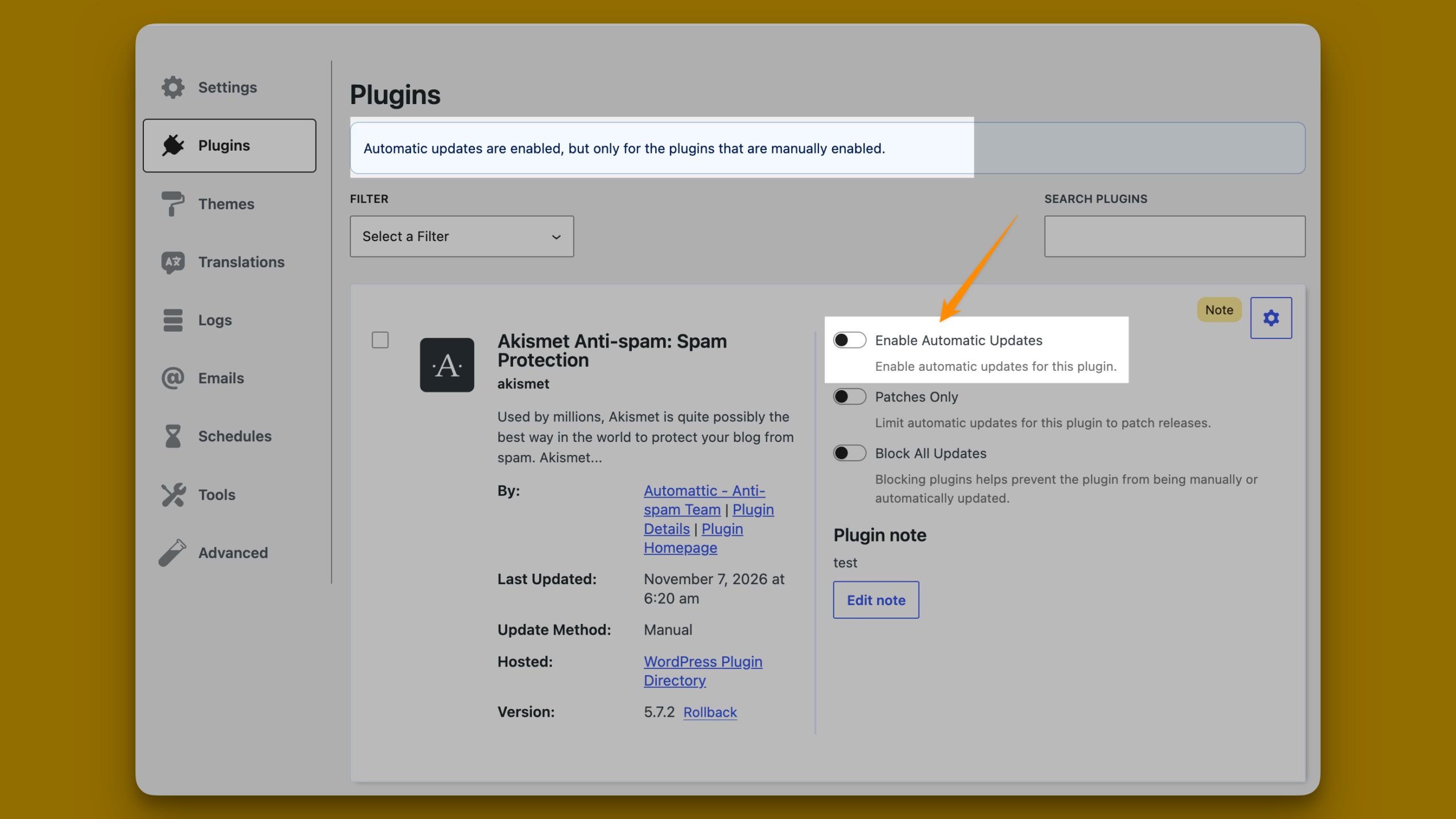
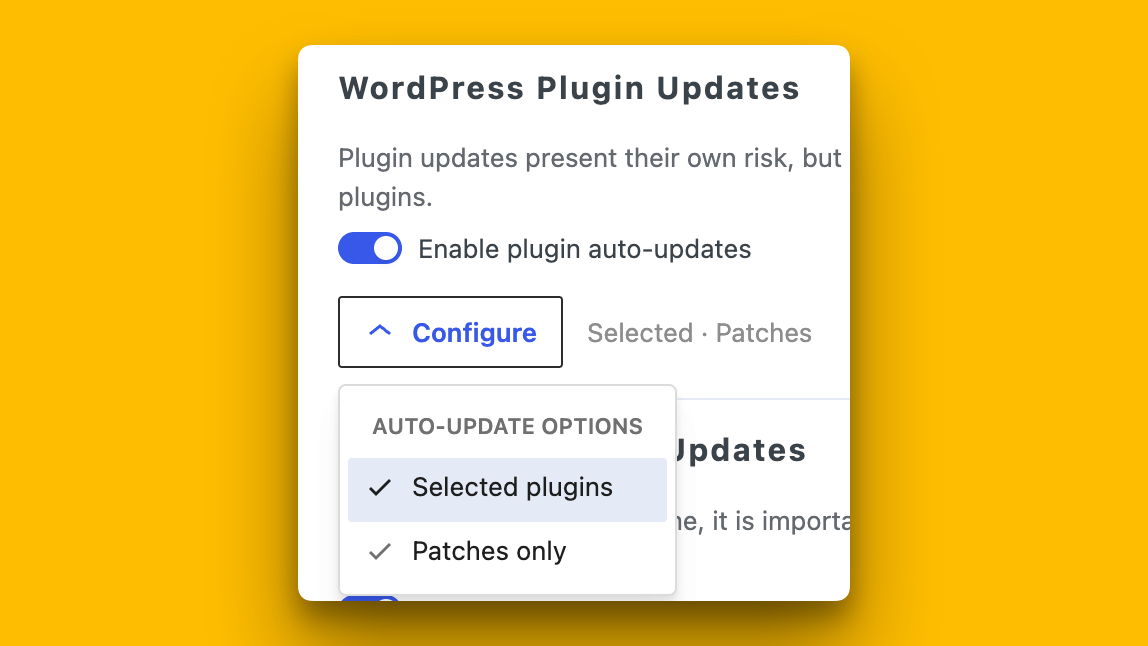
Since not everyone wants a global on or off switch for plugins, you can narrow down which plugins are released by selecting Selected Plugins from its Configure menu. You can also enable Patches only, which will be explained shortly.
Select “Selected Plugins” to Enable and Disable Plugin Updates Individually
With Selected Plugins enabled, you must head to the Plugins tab to switch on or off select plugins individually.
Toggle Individual Plugins On or Off to Auto Update Selectively
Themes likewise have a Configure option and can be set selectively as well and switched on or off individually under the Themes tab in UpdateBee’s settings.
Patches Only for Plugins and Themes
Updates are considered patch releases if a minor version update for a plugin or theme is available. For example, a plugin at version 3.4 going to 3.4.1 is considered a patch release, whereas going from 3.4 to 3.5 is not and considered a major release.
To enable Patches Only automatic updates, select the Configure option for plugins or themes and select Patches Only.
Shown Are Selected Plugins With Patches Only Releases Set to Automatically Update
translation Options
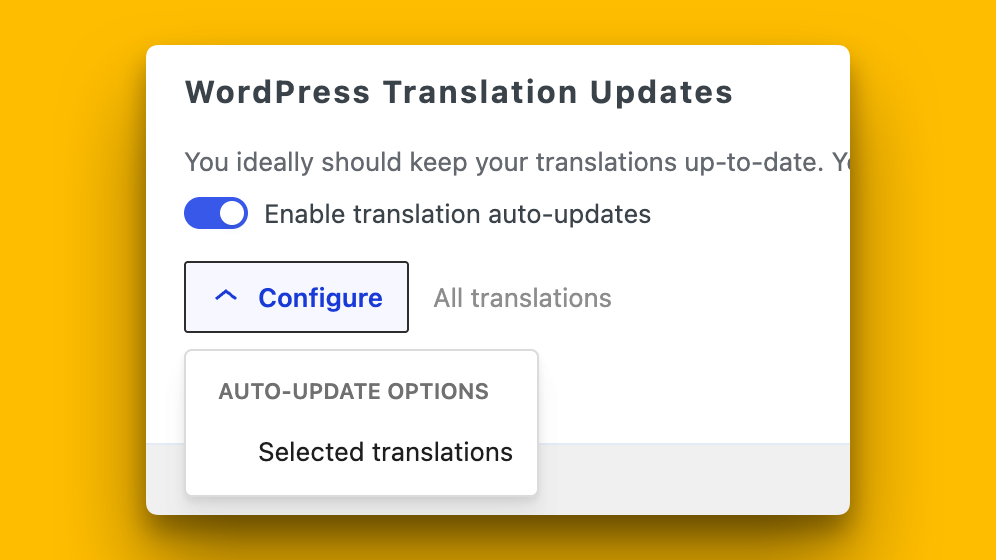
Automatic updates for translations are enabled by default and are considered pretty safe to leave enabled. You can choose to only update select translations by opening its Configure option. Since translations don’t lend themselves well to version numbers, patch-only releases aren’t available for translations.
Choose Selected Translations to Drill Down to the Locale What Translations Are Updated
Please be reminded that Translations start with automatic updates on.
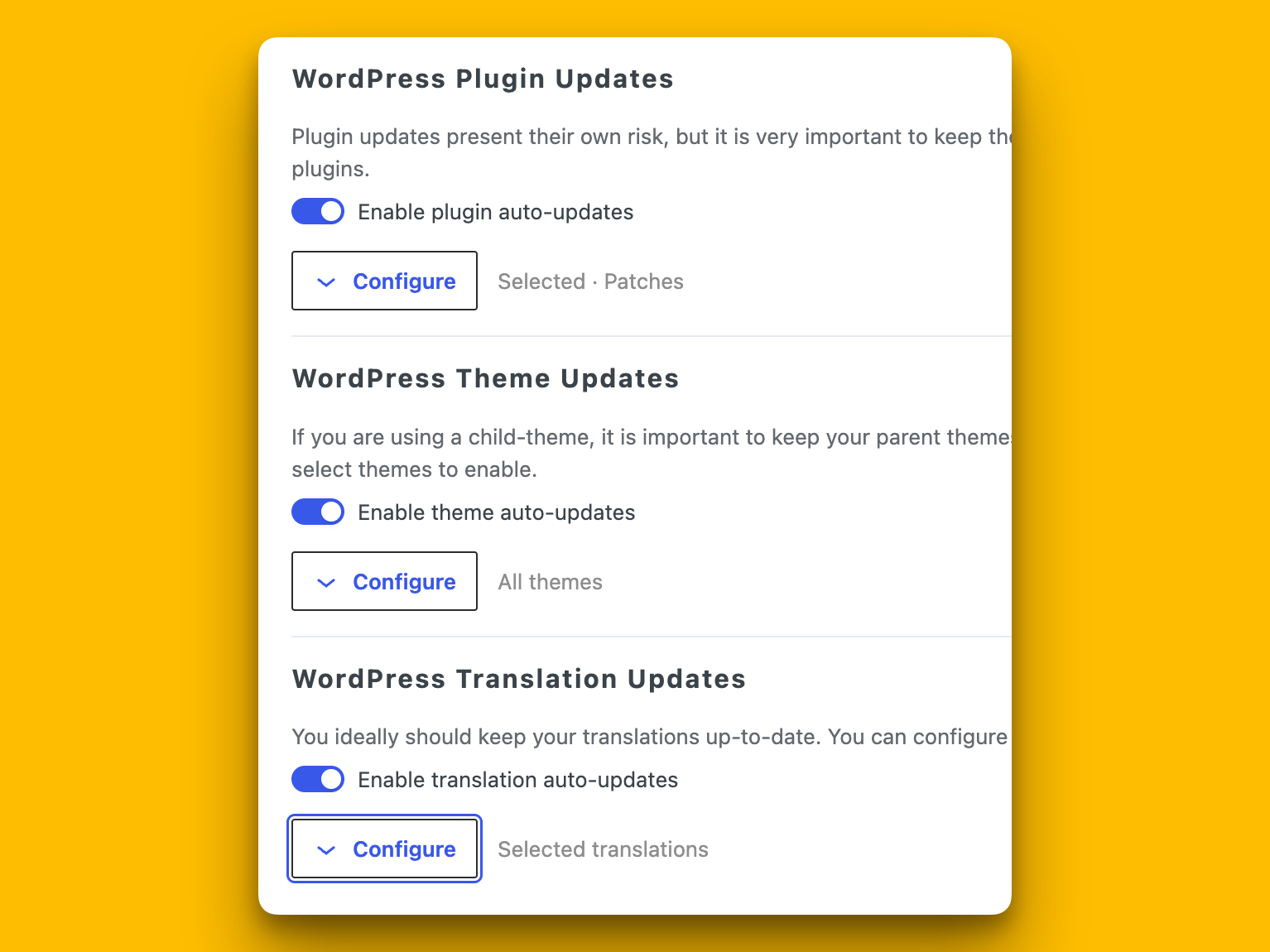
Summary Table for Plugins, Themes, and Translations
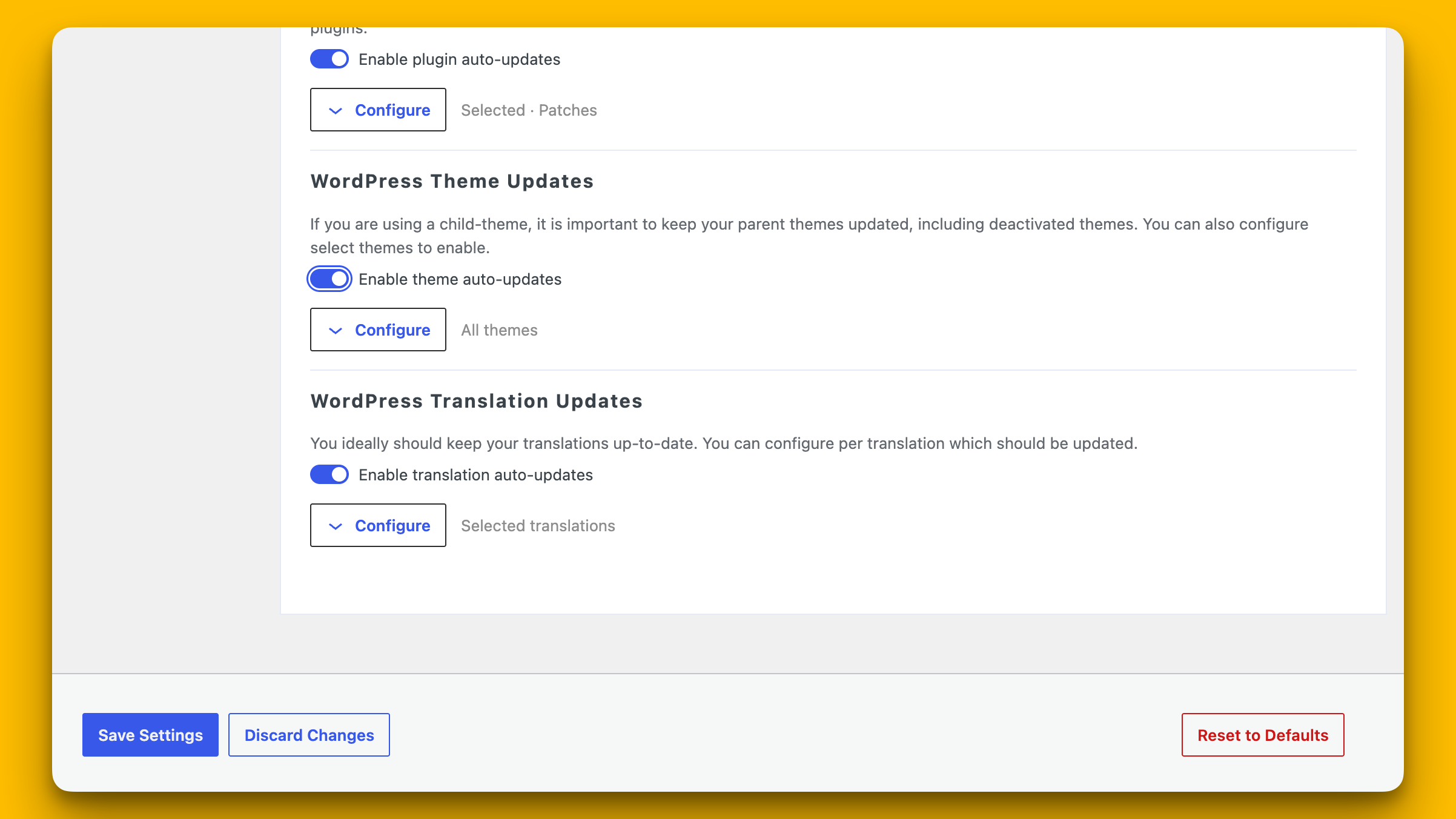
Plugins, Themes, and Translations Shown With Configured Status Next to Each Item
The text beside Configure is the current update policy:
Summary
Meaning
All plugins, All themes, or All translations
Automatic updates are on for the whole group.
Selected plugins, Selected themes, or Selected translations
Automatic updates are on only for the items you enable explicitly via the Plugins, Themes, and Translations tabs.
Patches only
Every plugin or theme that updates automatically is limited to patch releases (considered minor releases).
Selected · Patches
Only the plugins or themes you enable update automatically, and those updates are limited to patch releases.
Manual only
Automatic updates are off. Offers stay available for you to install via the normal updates screen.
Disabled/Blocked (only when auto-updates for the item are turned off)
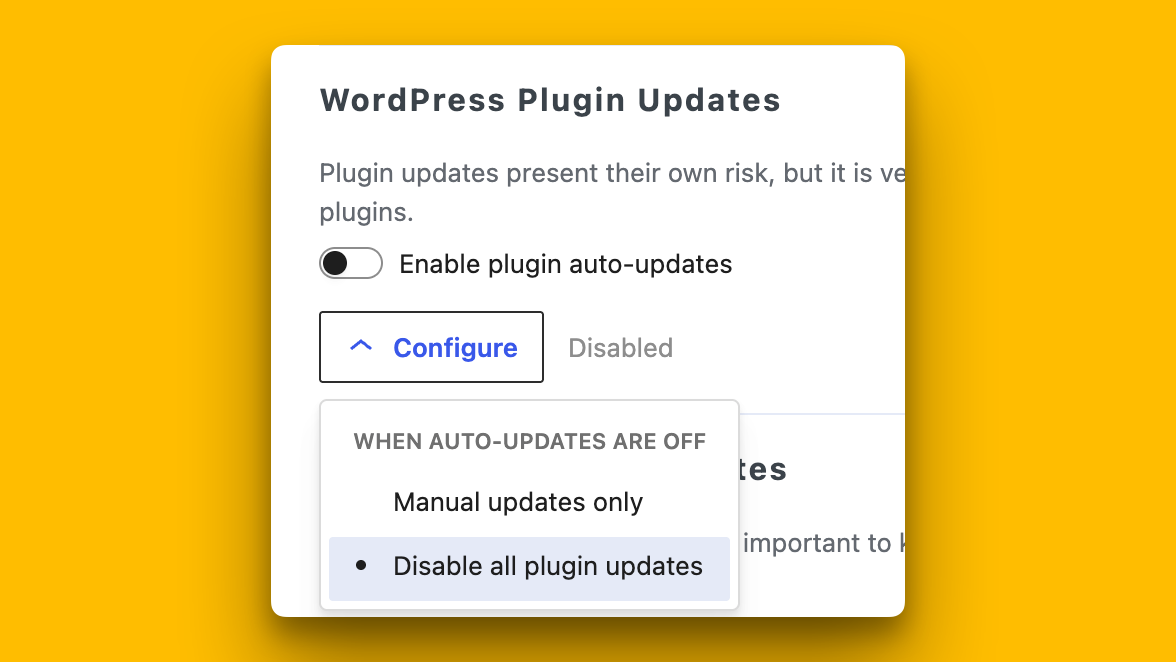
Updates for that whole type are blocked. A “Configure” option is shown with a disable option when plugins, themes, or translations have auto-updates disabled.
Blocked/Disabled Plugin Updates Shown on the Settings Screen for Plugins
Saving the Settings
Be Sure to Save Your Settings
Configuring and setting the options on the Settings screen requires that you save your changes first before leaving the screen.
Save and Reset Buttons When a Setting is Configured
Related Posts:
Block Untested Updates November 14, 2026 Skip an update if the minimum WordPress Version isn't met.
What Is UpdateBee? November 14, 2026 This brief article explains the purpose and tools that UpdateBee…
UpdateBee on Multisite November 14, 2026 UpdateBee is a Multisite-first plugin, but can work well under…