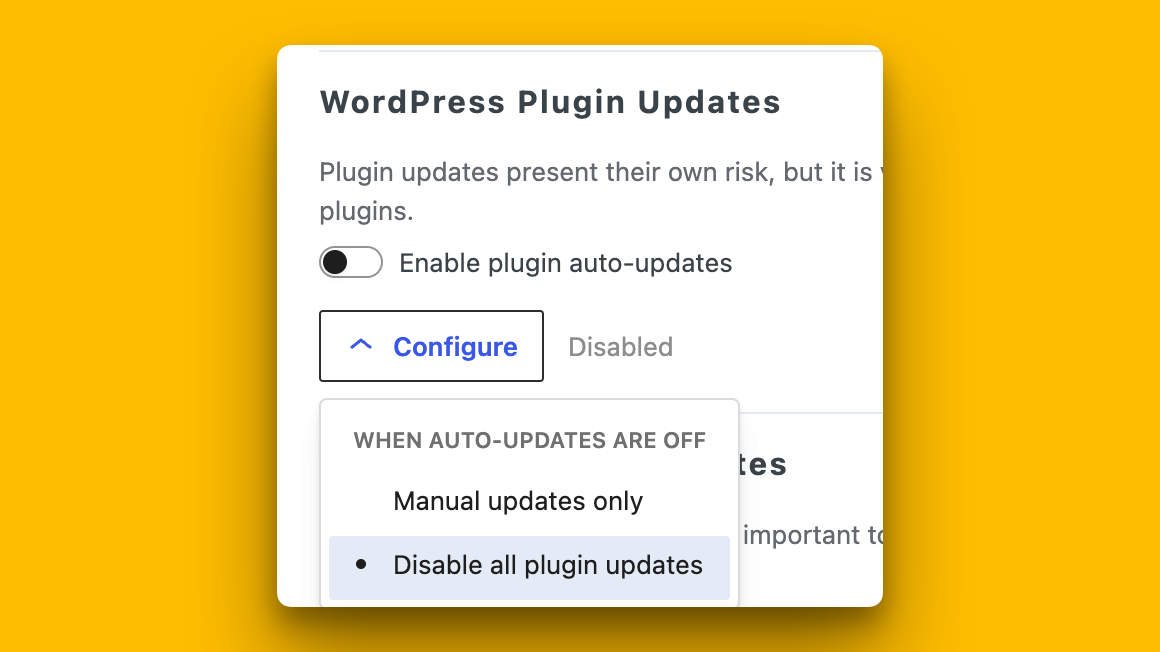
You can block entire groups (plugins, themes, translations) on the Settings tab by disabling automatic updates and blocking the update via the Configure option.
Block an Entire Group From Updating
You can block a single group’s item without blocking the entire update policy.
Blocking a Single Plugin
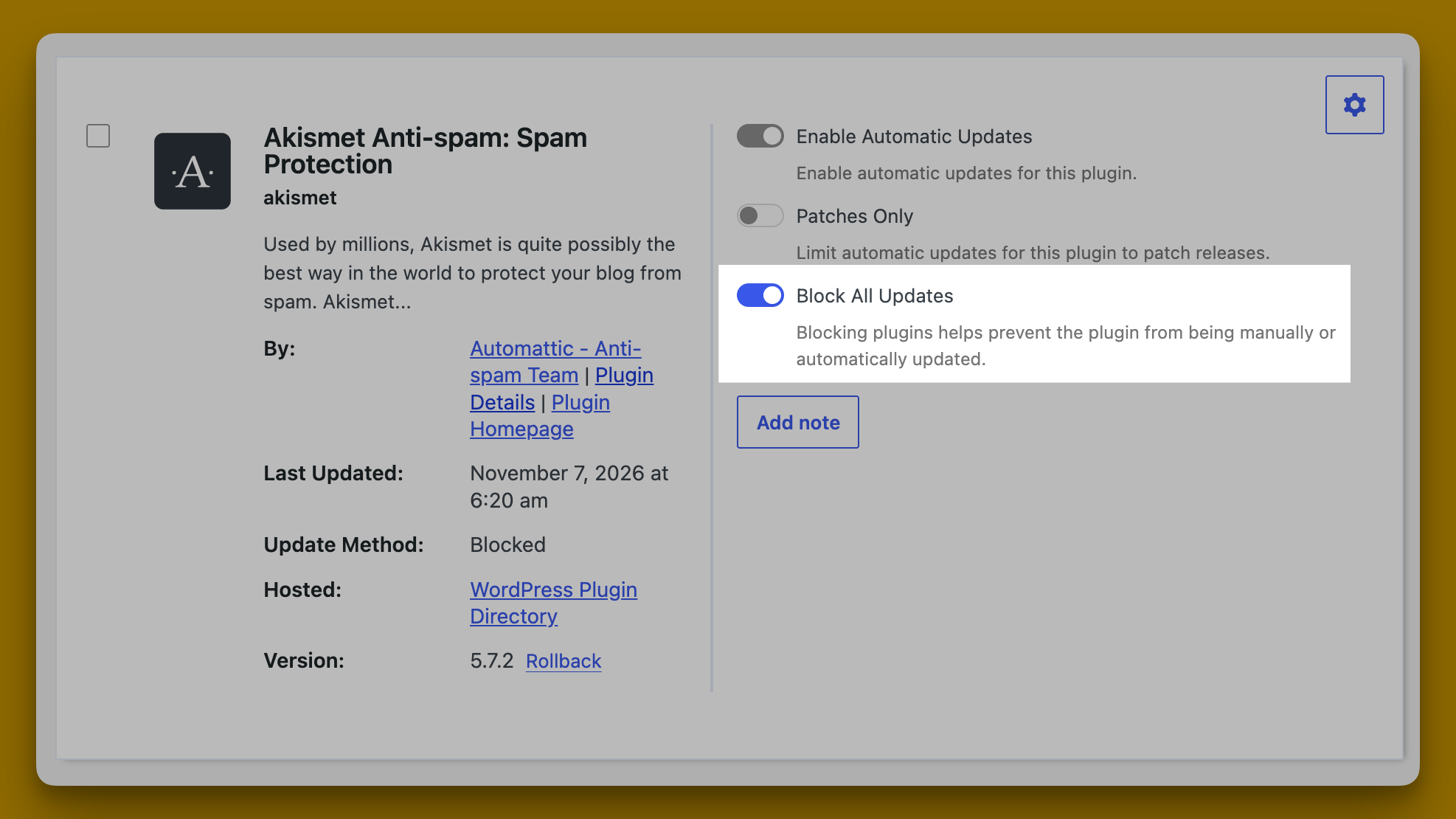
Head to the Plugins tab, and select “Block All Updates” on the individual plugin.
Block a Single Plugin Update From Updating
A blocked plugin is removed from the WordPress updater, so the usual Updates screen no longer lists it.
Blocking a Theme Update
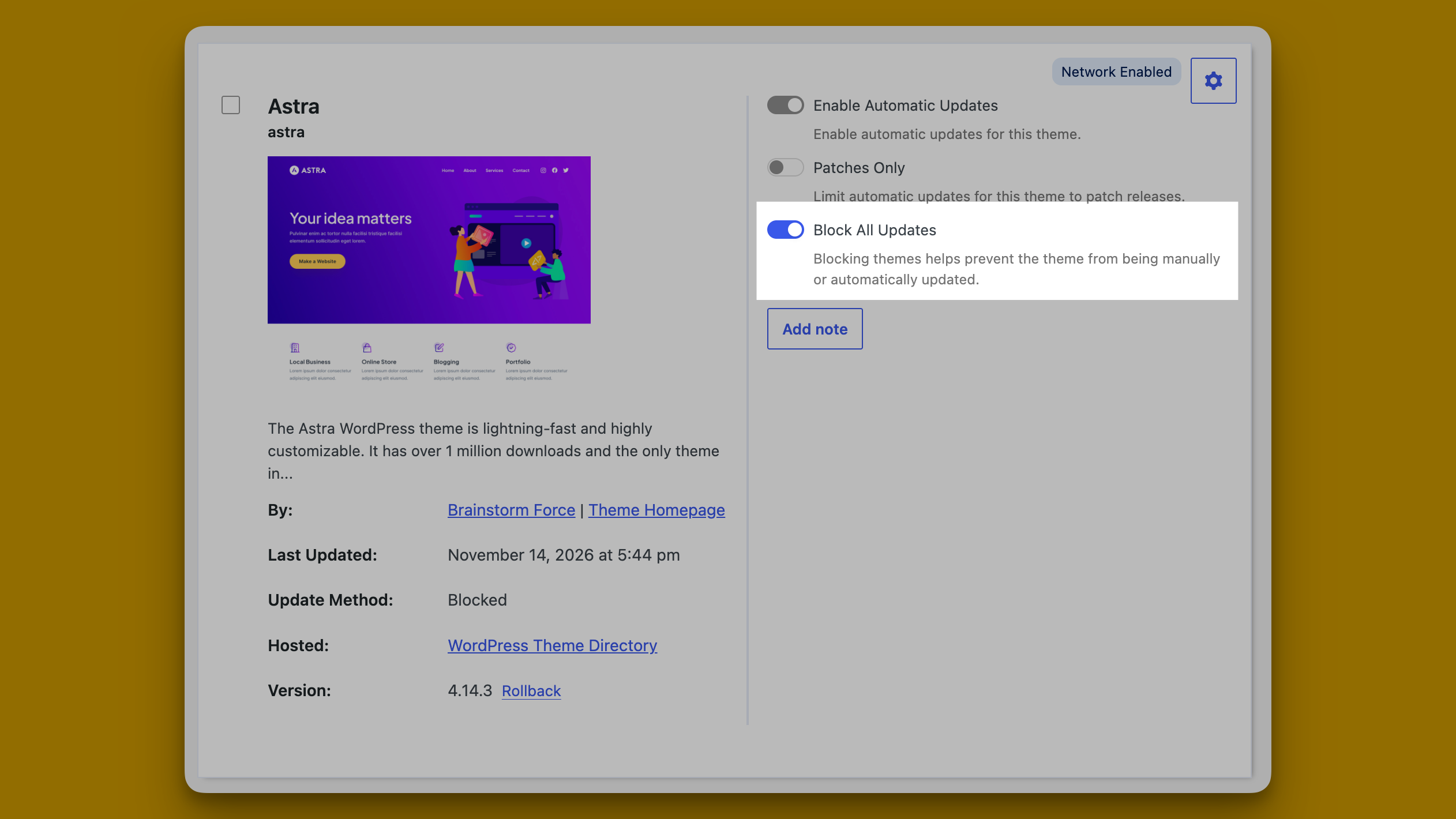
Head to the Themes tab, and select “Block All Updates” on the individual theme.
Block a Single Theme Update by Blocking All Updates
A blocked theme is removed from the WordPress updater, so the usual Updates screen no longer lists it.
Block one translation
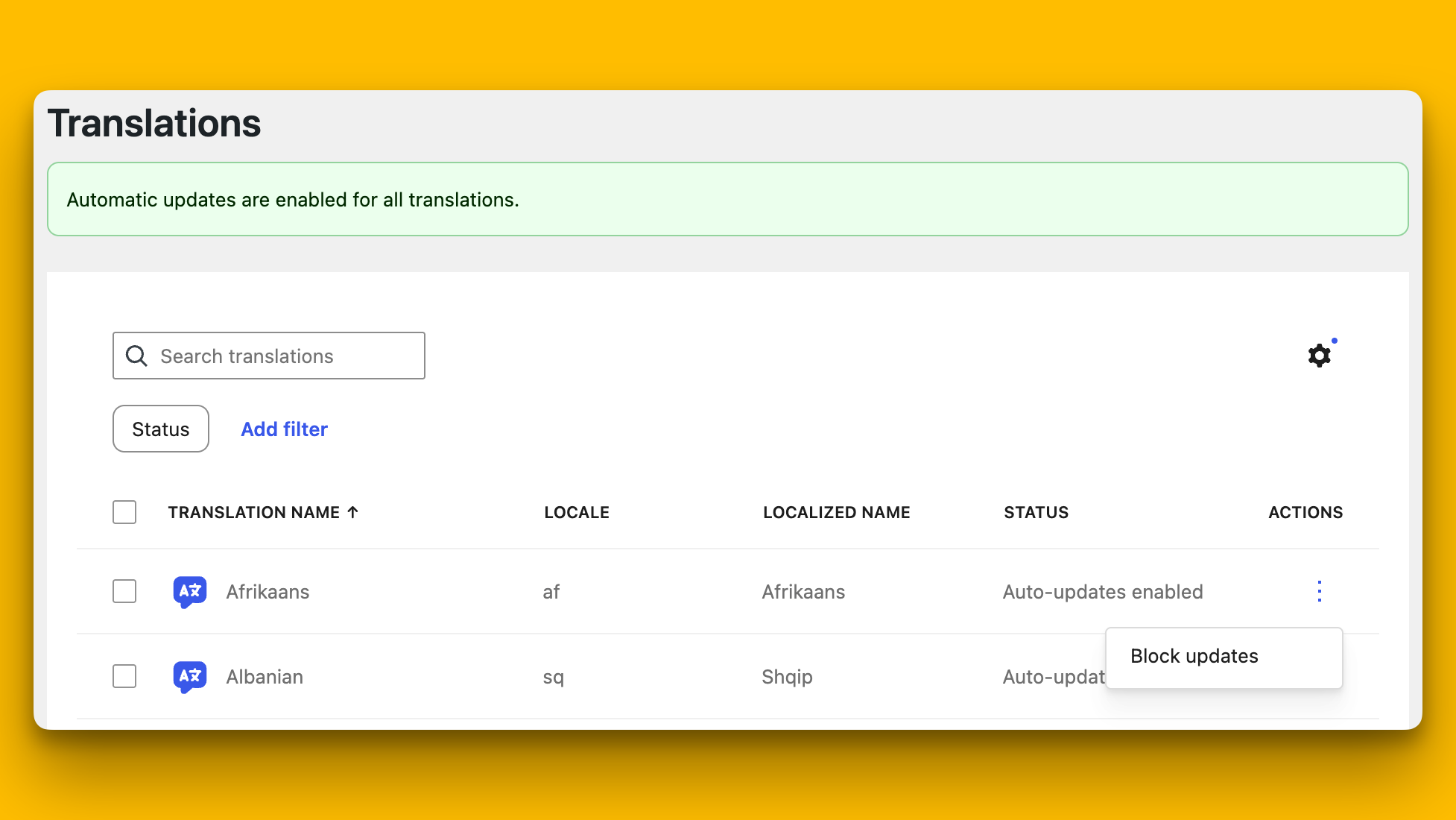
On Translations, the row and bulk actions are Block updates and Unblock updates.
Block a Translation Update Via the Block Updates Row Action
What you still see
Logs can record a blocked attempt with the status Blocked. Upcoming omits blocked plugins and themes. Manual install from the WordPress updater is hidden for a blocked offer, because the offer is filtered out of the update list.
Related Posts:
Block Untested Updates November 14, 2026 Skip an update if the minimum WordPress Version isn't met.
UpdateBee on Multisite November 14, 2026 UpdateBee is a Multisite-first plugin, but can work well under…
What Is UpdateBee? November 14, 2026 This brief article explains the purpose and tools that UpdateBee…
Common Use Cases November 14, 2026 UpdateBee is a versatile upgrade management plugin and features several…